

Streamline Hybrid Therapy Scheduling with One Unified Platform
Last Updated on October 2, 2026
Streamline Hybrid Therapy Scheduling with One Unified Platform
Hybrid Therapy scheduling has become standard practice for mental health clinics, letting therapists manage in-Person visits alongside Telehealth without juggling separate tools. Within 60 seconds of a client booking, you can confirm a video link, dispatch an intake survey, and lock the calendar slot directly from One screen. That single-source flow cuts administrative overhead by up to 40% for practices splitting time across modalities.
What Does Hybrid Therapy Scheduling Mean for Your Workflow?
Hybrid Therapy scheduling treats every appointment as part of One central system, regardless of whether a client sits on your office couch or joins over a webcam. Instead of logging into a scheduling calendar, a standalone video app, and separate billing software, you run everything from One dashboard. Your calendar automatically generates encrypted video links, handles automated reminders, and pulls clinical documentation together in One place.
How to Optimize Hybrid Therapy Scheduling on Hypnotes
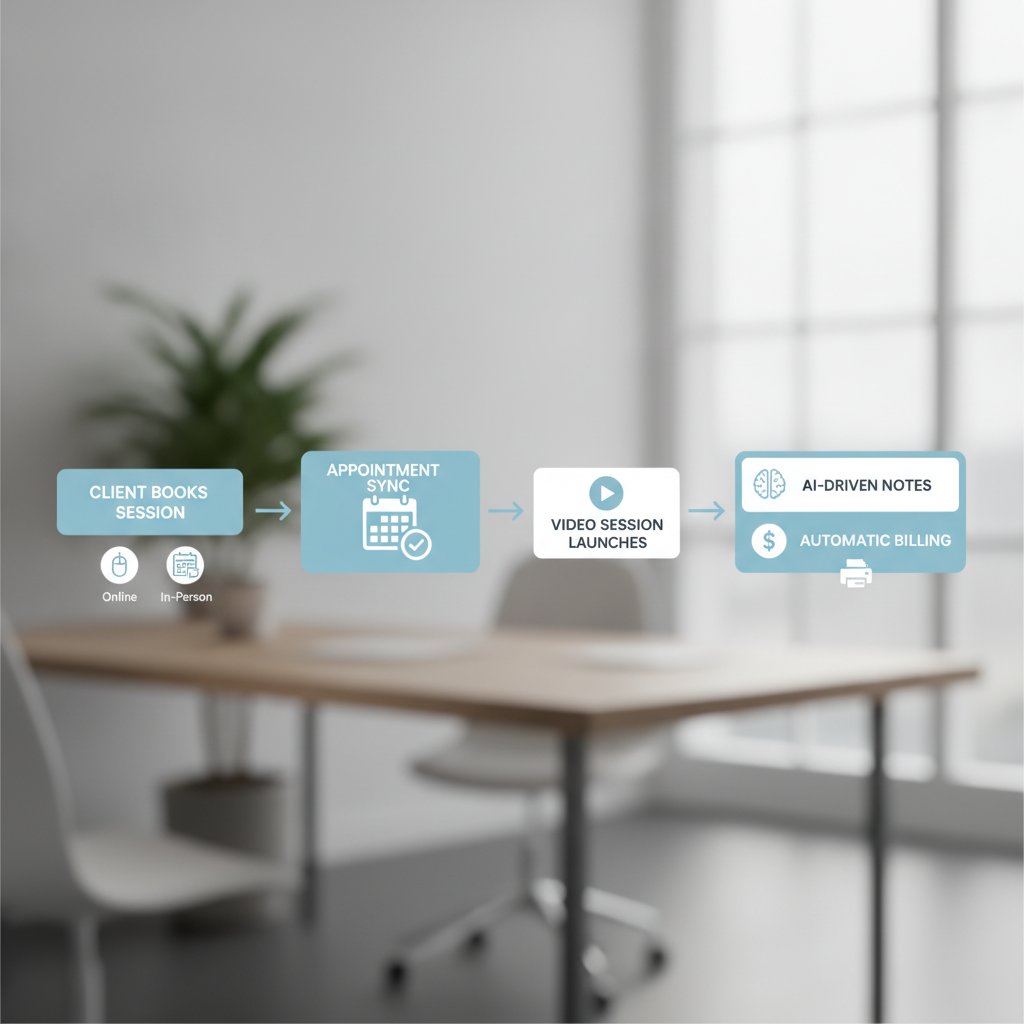
Setting up an automated Hybrid workflow takes only a few minutes when you apply the right configuration rules from day One.
- Enable the Unified Calendar: In Settings, toggle on “Unified Calendar View” to merge all appointment types onto One master board and eliminate double-booking.
- Set Video Link Parameters: Under Telehealth Settings, choose “Auto-generate Zoom link” and set expiration to 24 hours so every virtual session receives a fresh, secure URL.
- Configure Pre-Session Surveys: Add custom intake forms tailored to the visit type. Virtual clients can verify technical requirements, while in-Person clients receive parking directions.
- Define Billing Rules: In Billing, map each visit type to the right CPT code. For Hybrid Sessions, select CPT 90834 and set the reimbursement flag to “Hybrid” so claims submit cleanly without manual edits.
- Activate AI Documentation: Turn on the AI scribe under Documentation. Set your confidence threshold to 0.85 so any segment falling below that mark routes straight to manual review.
- Test the Flow: Book a mock appointment to confirm that your calendar slot, Telehealth link, intake survey, and note generation sync properly.
- Train Your Team: Run a quick 30-minute walkthrough with clinicians and front-desk staff to review the shared dashboard.
Configuring these rules upfront cuts app-switching time in half and eliminates the data entry errors that derail billing cycles.
Why Unified Calendar Management Beats Legacy Solutions
Legacy practices often patch together a spreadsheet calendar, a standalone video subscription, and disconnected billing software. That patchwork creates persistent friction:
- Double-booking errors across unlinked calendars
- Missing or broken video links sent to frustrated clients
- Hours spent re-entering notes and claim codes by hand
Hypnotes syncs directly with your video tools, captures pre-session forms, and files every detail into an EHR-compliant record. One mid-size practice cut administrative overhead by 30% simply by replacing their fragmented spreadsheets with an integrated calendar.
Compliance Safeguards Built Into the Platform
Hybrid care introduces distinct data-privacy requirements across both digital and physical touchpoints. Hypnotes protects your practice with built-in controls:
- End-to-end encryption for all Telehealth Sessions
- HIPAA-compliant audit logs tracking every record update
- Fast data exports for audits, following the APA Telehealth Guidelines
Setting your record retention policy to 10 years keeps client files, session recordings, and clinical notes secure and audit-ready at all times.
Case Study: A 30‑Therapist Practice Saves 12 Hours a Week
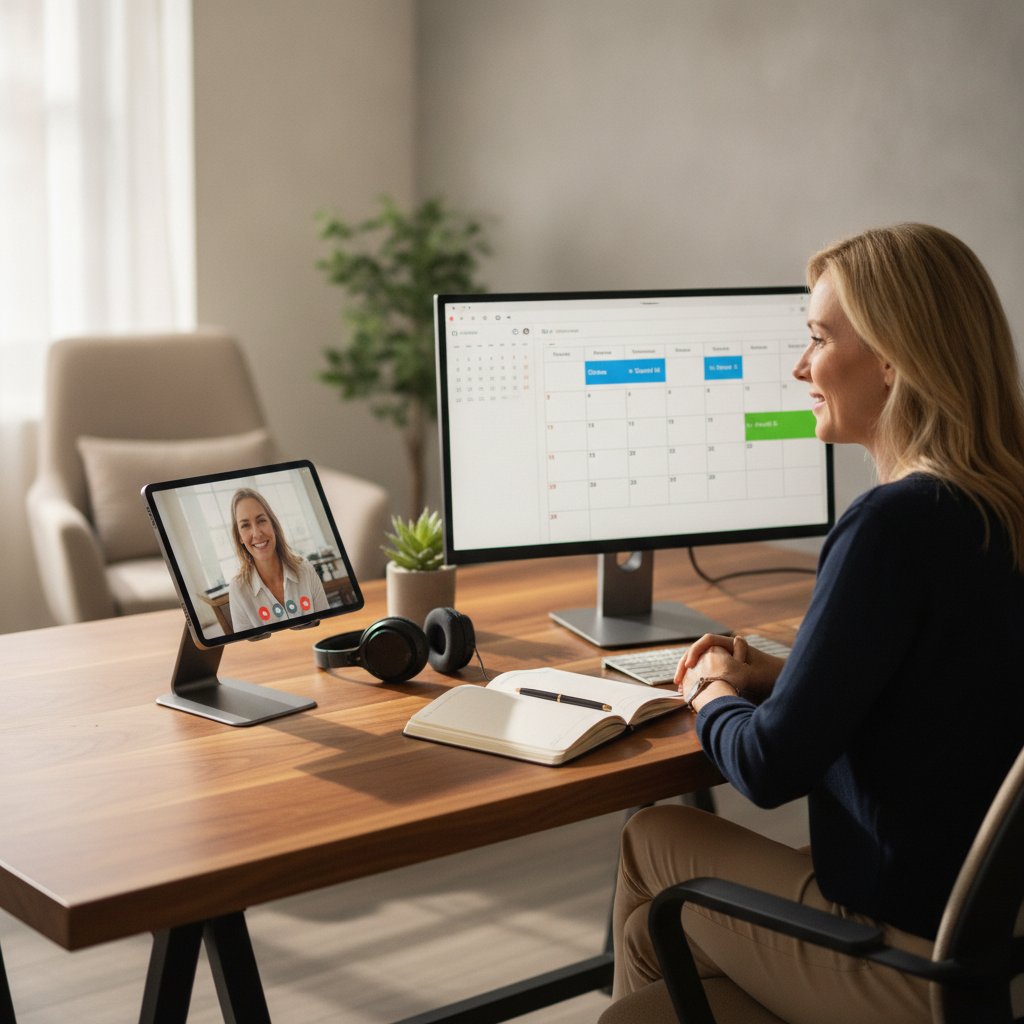
Dr. Maya ran a 30-clinician practice bogged down by disconnected software. After consolidating her team’s schedules onto Hypnotes and tuning the AI note threshold to 0.9, the practice eliminated 12 hours of weekly administrative drag. That gave clinicians real hours back for direct patient care.
Key outcomes:
- Double-booking rates dropped from 5% to under 1%.
- AI note accuracy reached 92% with the adjusted threshold.
- Weekly billing errors dropped from 3 to 0.
Consolidating calendars gave the clinic back half a workweek in lost admin hours within their first 14 days.
Best‑Practice Tips for Continuity of Care
Smooth handoffs between virtual and in-Person Sessions require consistent data habits. Put these tactics to work:
- Standardize basic intake questions across all formats so client histories remain uniform.
- Use the “Session Summary” tool to push an automatic recap to the client file immediately after each visit.
- Build a 5-minute buffer between back-to-back Hybrid Sessions so clinicians can switch rooms or devices without rushing.
- Use the AI assistant to audit client profiles for missing insurance details before appointments start.
A disciplined 5-minute buffer between appointments prevents burnout and keeps therapists punctual across both digital and physical rooms.
How to Compare Hypnotes With Competitors for Hybrid Care
| Feature | Hypnotes | Competitor A | Competitor B |
|---|---|---|---|
| Unified calendar | ✓ | ✗ | ✓ |
| AI note‑taking | ✓ (confidence 0.85) | ✓ (confidence 0.75) | ✗ |
| EHR compliance | ✓ | ✓ | ✗ |
| Telehealth integration | ✓ (Zoom, Teams) | ✗ | ✓ (Zoom only) |
| Billing automation | ✓ | ✗ | ✓ (limited) |
Hypnotes combines native video integration, configurable AI notes, and automated billing into One central system built specifically for Hybrid care.
Frequently Asked Questions
What is the difference between Hybrid Therapy scheduling and separate Telehealth tools?
Hybrid Therapy scheduling bundles appointment booking, video link creation, documentation, and billing into One interface, eliminating the need for multiple logins and reducing errors.
How does Hypnotes handle HIPAA compliance for video Sessions?
All video links are encrypted, and session recordings are stored in a HIPAA‑compliant vault with audit logs. The Platform also follows the APA Telehealth Guidelines.
Can I set different intake surveys for virtual vs. in‑Person visits?
Yes, you can create modality‑specific surveys. The Platform will automatically pull the relevant survey based on the appointment type.
Will the AI note‑taking miss important clinical details?
AI scribe accuracy depends on the confidence threshold. Setting it at 0.85 ensures most notes are auto‑completed, but low‑confidence segments are flagged for manual review.
What support does Hypnotes offer during implementation?
Hypnotes provides a dedicated implementation specialist, onboarding webinars, and 24/7 helpdesk support. You can also access the Hypnotes feature overview for detailed tutorials.