
Appointment Reminders Therapy: Cut No-Shows With Hypnotes
Last Updated on November 11, 2026
Using dedicated Appointment Reminders therapy workflows cuts client No-Shows by firing off timely SMS and Email prompts directly to client phones. Pair an Email 24 hours out with a quick text two hours before session Time, and you protect your billable hours while keeping treatment plans on track without typing manual Reminders between sessions.
An empty chair at 2:00 PM hurts. When a client skips without notice, you lose income you can’t get back, and their clinical momentum grinds to a halt. Most No-Shows aren’t intentional rebellion; people get overwhelmed, work runs late, or stress wipes their memory. If you try to fix this by texting clients between sessions or typing confirmations late at night, you’re just trading lost revenue for administrative burnout.
Automated communication bridges the gap between client intentions and Real attendance without increasing your administrative workload. Here is how Real-Time scheduling alerts protect your revenue and keep clinical outcomes on track.
The Real Cost of Missed Appointments in Mental Health
Every ghosted Time slot punches a hole in your week. A solo therapist losing just two hours weekly to forgotten sessions bleeds thousands of dollars every quarter. In group practices, that leak multiplies across every clinician on the roster. Meanwhile, your overhead—office lease, EHR subscriptions, billing services, utilities—stays identical whether someone sits on your sofa or leaves it vacant.
The clinical fallout hurts just as much. Progress requires consistency. When someone dealing with depression or trauma skips a session, the treatment loop fractures. Resistance builds, symptoms flare, and you spend half of the next hour repairing momentum instead of doing deep work. A peer-reviewed study on SMS Reminders reducing missed appointments Shows that simple, automated text messages consistently improve patient attendance rates across healthcare environments.
Therapist attendance improvement starts with predictable communication loops that give clients an immediate, low-friction way to confirm their scheduled Time.
Why Do Appointment Reminders Therapy Systems Work Better in Real Time?
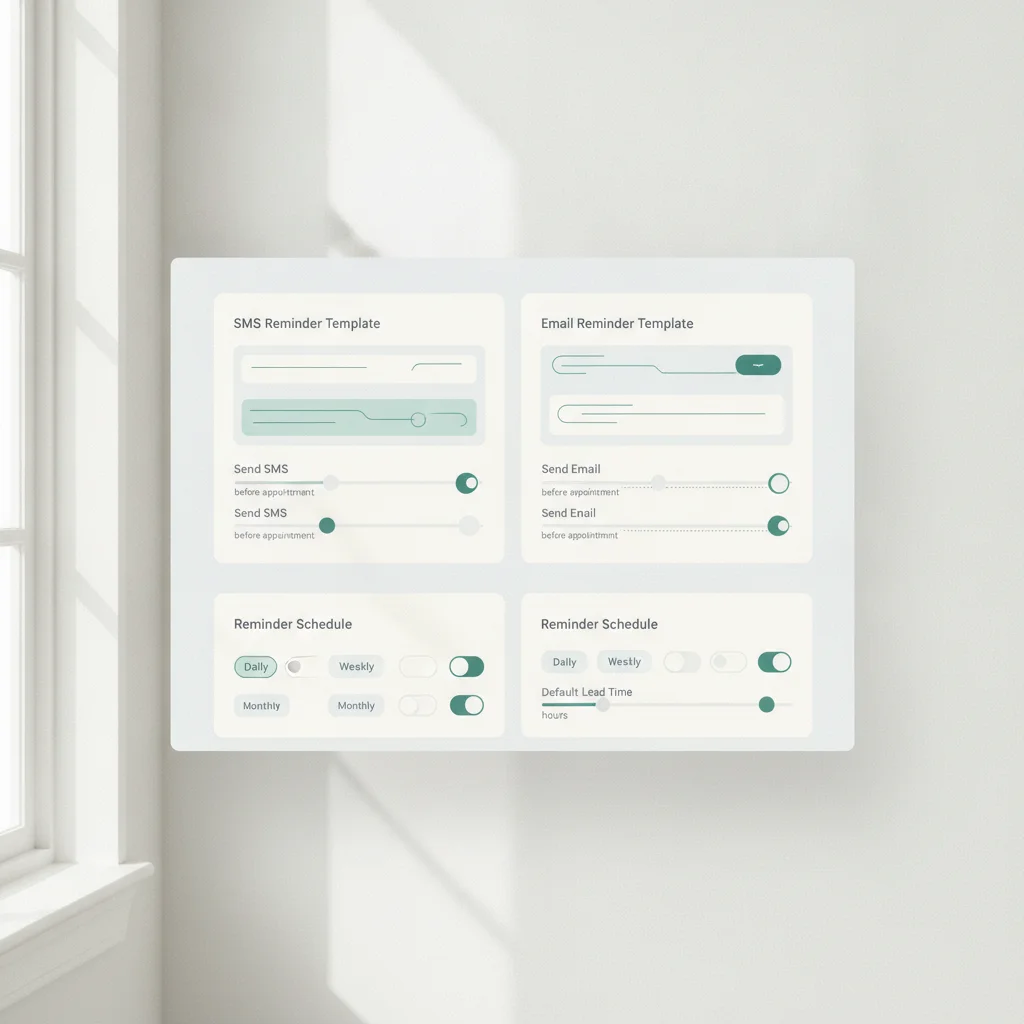
Real-Time delivery means alerts fire from live calendar data instead of clunky batch exports that run once a day. If someone books an open slot at 8:00 AM for an afternoon telehealth check-in, the system sets confirmation triggers on the spot. No manual exports. No missed queues.
Clients open roughly 98% of SMS messages, usually within three minutes of the ping. Contrast that with an inbox stuffed with promotional clutter and work emails. Combining both channels builds a practical safety net:
- Email carries context: Intake forms, directions, office policies, and telehealth links live comfortably here.
- SMS brings immediacy: A brief lock-screen nudge catches them right as they plan their commute.
Relying on phone calls or solo emails leaves too much room for missed messages. Multi-channel alerts ensure clients see their commitment on the screen they check most.
Best-Practice Timing: The 24-Hour and 2-Hour Cadence
Timing matters just as much as copy. Send an alert five days early, and clients forget it by Tuesday. Ping them fifteen minutes before session Time, and they can’t clear traffic or arrange childcare. A two-stage cadence hits the sweet spot for behavioral health.
| Timing | Delivery Channel | Primary Objective | Key Content Included |
|---|---|---|---|
| 24 Hours Prior | Email & Optional SMS | Early Confirmation & Prep | Date, Time, clinic address, cancellation policy window, forms to finish. |
| 2 Hours Prior | Direct SMS | Immediate Recall & Action | Direct reminder, practitioner name, telehealth video link or room number. |
The 24-hour message protects your late-cancellation window. If your practice requires a day’s notice to avoid fees, this alert gives clients an honest chance to reschedule. The 2-hour SMS reminder catches clients before they start other tasks, cutting late arrivals and No-Shows dramatically.
How Does Hypnotes Personalize Notifications Without Risking HIPAA Breaches?
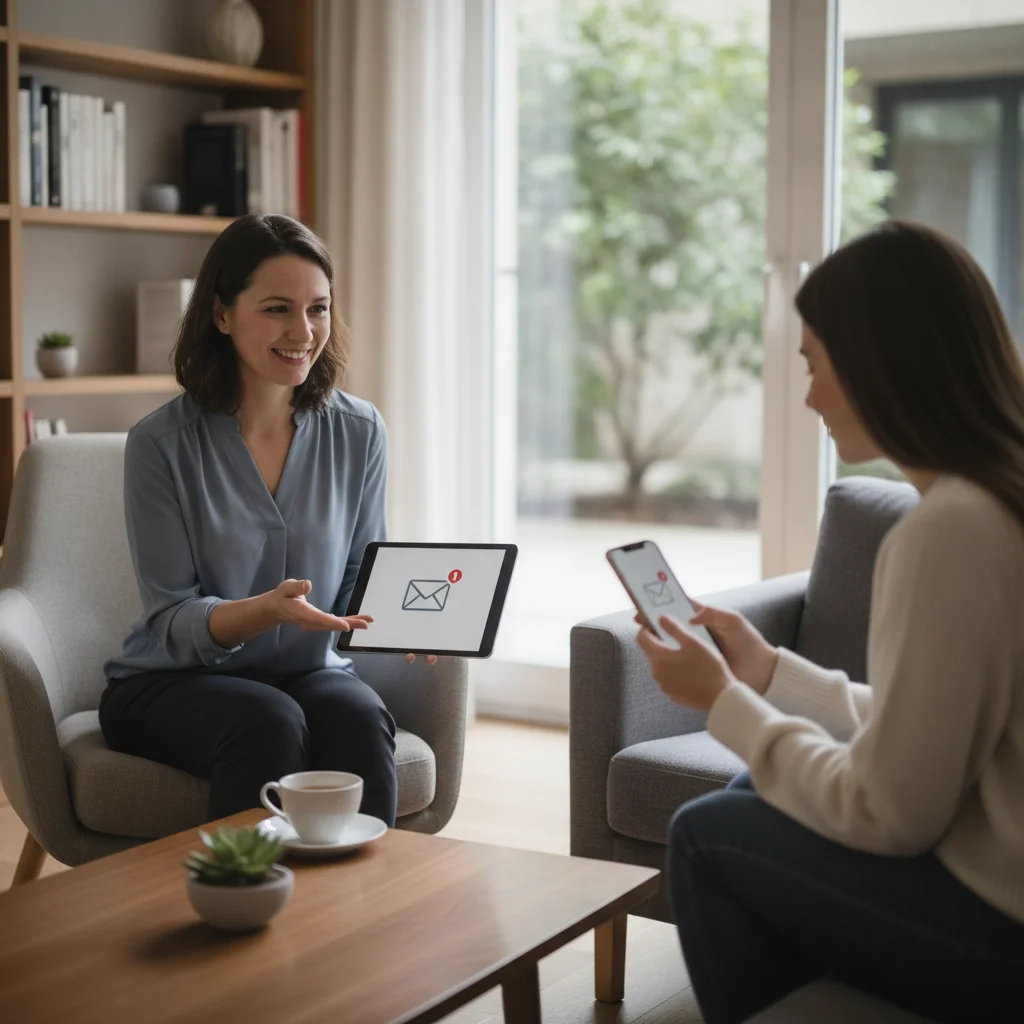
Therapy practices carry privacy obligations standard medical offices rarely think about. A lock-screen notification that reads “See you for your trauma session at 3 PM” can instantly expose confidential treatment if a spouse or coworker glances at the phone. Your Reminders have to remain tight and discreet.
The Hypnotes practice management features handle this balance out of the box. Notifications stay fully HIPAA compliant by stripping out diagnoses, treatment notes, and sensitive personal identifiers while keeping the logistics clear. You can adjust every template so the wording matches your practice voice without crossing regulatory boundaries.
The platform’s AI Assistant and messaging tools pull in preferred first names, correct Appointment times, and direct room links automatically. Telehealth clients get a secure video link right in their text. They tap once and enter the waiting room—No frantic emails right at the top of the hour asking where to log in.
How to Set Up Automated Scheduling Notifications in Hypnotes
Setting up your sequence takes five minutes. You don’t need technical skills or outside software to get these running.
- Access your communication settings: Open your dashboard and head to the reminder preferences panel.
- Select your delivery methods: Turn on both Email and SMS for full coverage.
- Set the schedule rules: Pick the 24-hour and 2-hour delivery intervals.
- Customize your copy: Adjust the copy so it sounds like you, keeping the text clear and free of clinical terms.
- Test the pipeline: Send a test Appointment to your own cell to verify how it looks on a phone screen.
Once you flip the switch, the platform runs your reminder sequence quietly in the background without daily maintenance. Whether a client books through your portal or you enter them manually, Hypnotes queues the alerts. Take a look at the Hypnotes pricing plans to find the tier that matches your caseload.
Ready to Eliminate Empty Chairs in Your Schedule?
Stop losing billable hours to forgotten appointments. With Hypnotes, you get HIPAA-compliant SMS and Email Reminders, intelligent scheduling, integrated telehealth, an AI Scribe, and insurance billing all in one unified workspace.
Frequently Asked Questions
How far in advance should Therapists send Appointment Reminders?
The most effective cadence combines an initial reminder 24 hours prior to the session with a final SMS alert sent two hours before meeting. This provides ample Time to handle schedule changes while jogging short-term memory right before Appointment Time.
Are automated SMS Appointment Reminders HIPAA compliant?
Yes, automated SMS Reminders comply with HIPAA regulations when they omit protected health information such as diagnoses or treatment details and use encrypted, dedicated systems. Keep messages limited to essential logistical details like the provider name, Time, and session link.
Can clients confirm or cancel appointments directly through SMS Reminders?
Yes, automated systems allow clients to reply with simple text commands like YES or NO, updating your scheduling calendar in Real Time without phone calls. This allows your calendar to show accurate availability without back-and-forth messages.
Does Hypnotes offer custom reminder templates for therapy practices?
Hypnotes provides customizable Email and SMS templates that let you tailor the tone, instructions, and telehealth links to match your practice style. You maintain full control over the wording while staying secure.