

How to Master Insurance Audit Reporting in Hypnotes
Last Updated on October 28, 2026
Quick Summary: Clean Insurance audit reporting means delivering only the records an auditor requested, pairing each claim with its time-stamped clinical notes, and excluding unrelated PHI. With Hypnotes you can run targeted date-range queries, attach intake and progress documentation to specific claims, and export encrypted archives that meet payer and federal requirements without exposing extra patient charts.
An audit notice demanding twenty records in thirty days eats your schedule. Manual chart pulls slow you down and leave room for mistakes. Executing systematic Insurance audit reporting preserves revenue, prevents clawbacks, and keeps your practice credentialed with payers.
Most commercial payers compare your billing export to the clinical progress notes. Miss a signature, misrecord a session length, or send unrelated charts and you’ll face a recoupment request. You need tight, well-ordered documentation packages that answer an auditor’s request and nothing more.
Why Traditional Billing Data Exports Fail Insurance Audit Reporting
Legacy practice systems default to raw CSV dumps. Those spreadsheets scatter columns and force manual matching between claims and notes. The result is heavy-handed disclosure and slow responses.
The HIPAA Security Rule requires disclosures to be limited to the minimum necessary information. The HIPAA Security Rule Overview (U.S. Department of Health & Human Services) shows that sending full client charts when an auditor asked for four session notes is overbroad.
Dumping uncurated billing spreadsheets risks HIPAA violations and still fails to give auditors the medical-necessity context they want.
Auditors reject records when billed CPTs don’t align with documented session lengths. Billing 90837 without a clearly documented 53+ minute session invites a retrospective recoupment. Specialized practice software lets you bind claims, documentation, and receipts into a single, auditable package.
How Do You Set Up Audit-Specific Custom Practice Reports?
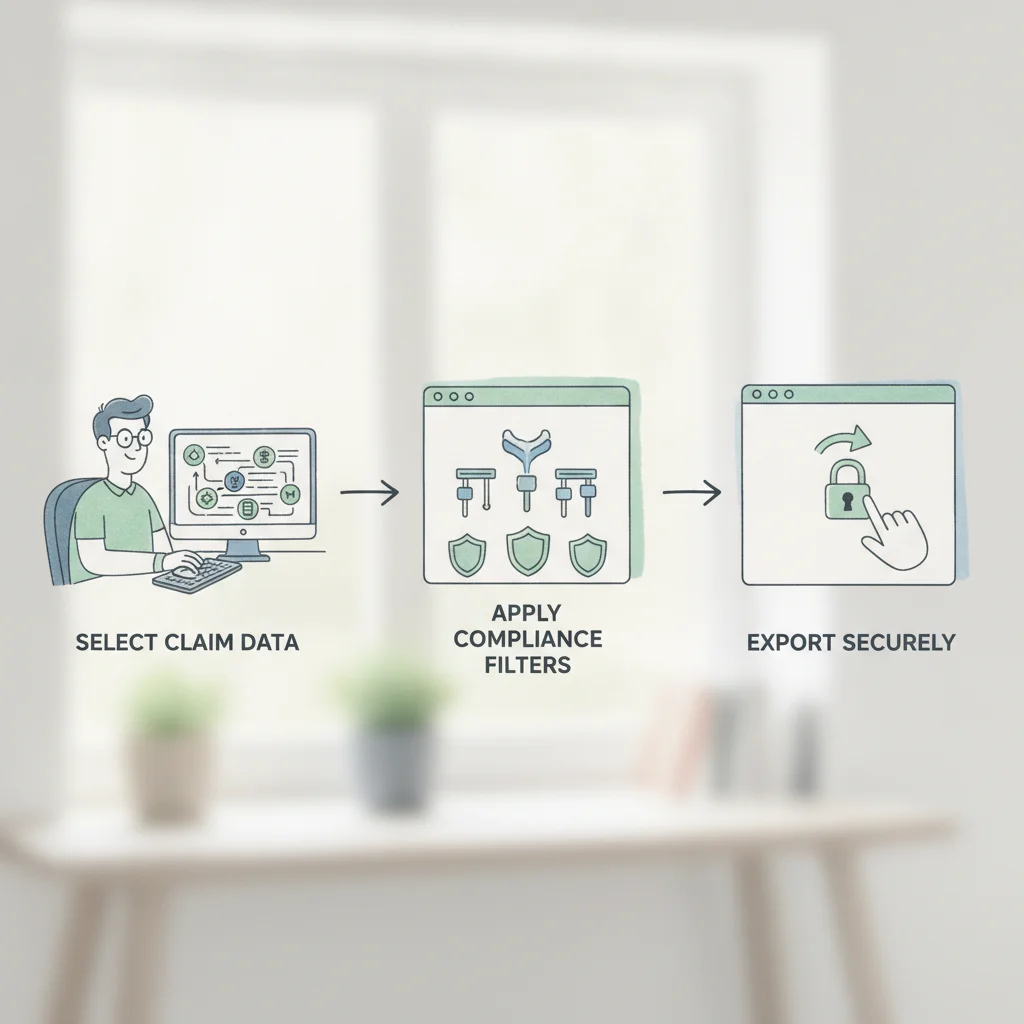
Filter first, export later. In Hypnotes you narrow billing records by date range, provider NPI, CPT, and payer name before you build the bundle. That keeps PHI exposure limited and the package orderly.
If you use the Custom Reporting Feature Overview, Create reusable audit profiles so you don’t re-sort files under pressure. Inside your account, follow these four steps:
- Isolate the Audit Scope: Enter the exact start and end dates from the demand letter and filter by the payer ID to exclude self-pay and unrelated carriers.
- Select Claim-Level Data Fields: Pull only date of service, CPT, ICD-10, billed amount, paid amount, and payment reference numbers.
- Apply Minimum Necessary Filters: Remove unrelated progress notes, secondary diagnoses not billed to this payer, and extraneous demographic fields.
- Save the Report Template: Save that query as a template. If auditors request a follow-up sample, run the exact same export in two clicks.
Audit Profile Configuration Checklist
- ✓ Date-of-service range aligned with the formal records request
- ✓ Rendering clinician NPI matched to the audited billing provider
- ✓ Service facility location code verified (e.g., 02 or 10 for telehealth)
- ✓ Non-audited Insurance carriers excluded completely
Standardizing an audit reporting template removes guesswork and ensures a consistent structure for every submitted chart.
Attaching Clinical Verification Checks and Required Records
Auditors want billing figures plus supporting clinical evidence — treatment plans, progress notes, consents. Those items establish medical necessity and confirm client permission for services billed.
Follow federal inspection guidance such as the CMS Guidance on Insurance Audits, which expects clear substantiation for every billed unit. Hypnotes lets you attach progress notes, evaluations, and telehealth logs directly to claims in your export queue.
| Audit Element | Unstructured Billing Export | Hypnotes Audit Package |
|---|---|---|
| Claim and Note Pairing | Manual copy-paste between spreadsheets | Automated linking of notes to claims |
| PHI Exposure Risk | High; full client files exposed | Low; restricted to requested dates |
| Telehealth Verification | Unverified third-party call timestamps | Integrated session attendance timestamps |
| Security Standard | Unencrypted CSV files sent via email | Encrypted, password-protected archive |
Confirming note start and stop times match billed units prevents time-based clawbacks before you send files out.
For telehealth, attach audio-video consent and platform logs. When you deliver virtual care through Hypnotes, connection records and session attendance are stored in the client profile and ready for inclusion in exports.
Generating a HIPAA Secure Claim Export with End-to-End Encryption

Package sensitive behavioral health records into an AES-256 encrypted archive. Sending unencrypted PDFs or raw spreadsheets over email creates reportable breaches under federal law.
Hypnotes enforces role-based access so staff only see data they need. That reduces accidental edits during report prep. When your Custom report is ready, initiate the Secure export from the admin dashboard.
The system bundles the claim data and attached notes into a password-protected zip and records each step in a tamper-evident audit trail — who requested the export, what files were included, and when the archive was created.
System-level encryption of audit exports both protects patient privacy and documents HIPAA-compliant handling.
Deliver the archive via the payer’s Secure portal or an encrypted transfer service. Never send the package and its password in the same message.
What Are the Best Practices for Submitting Audit Files to Payers?
Use the payer’s verified provider upload portal, include a clear table of contents, and keep an exact duplicate of the package you submitted. That reduces follow-up questions and speeds auditor sign-off.
Adopt these practical steps before you hit send:
- Build a Document Manifest: Include a cover sheet that indexes patient case numbers, dates of service, claim amounts, and attached records so reviewers can scan quickly.
- Retain an Exact Duplicate: Archive the identical exported package in Hypnotes. Your internal audit trail proves what was sent if a payer says they never received it.
- Track Delivery Deadlines: Submit at least five business days before the payer’s deadline and request written confirmation of receipt.
- Review Clinical Signatures: Make sure every attached note shows a completed e-signature and date stamp. Unsigned notes are the top reason charts fail Audits.
Keeping an immutable copy of every submitted audit package protects your practice if insurers misplace documentation.
Audit requests don’t have to derail your schedule. Configure clean reporting workflows in your practice management software, respond to payer inquiries quickly, and get back to client care.
Simplify Your Practice Reporting and Audit Defense
Hypnotes delivers integrated scheduling, billing, AI clinical notes, and Custom reporting tools built for modern therapists. Review our straightforward Hypnotes Pricing Plans and protect your revenue with audit-ready workflows.
Frequently Asked Questions
What records do health Insurance auditors request most frequently from therapists?
Commercial payers typically demand complete date-of-service progress notes, intake evaluations, individualized treatment plans showing medical necessity, and signed billing verification logs.
How does Hypnotes protect client privacy during an audit data export?
Hypnotes restricts data generation to your selected parameters, creates encrypted export files, and tracks every export action within a tamper-evident audit log.
Can I export multi-client audit Reports at once without cross-contaminating protected health information?
Yes, Hypnotes organizes multi-client audit exports into distinct client-specific subfolders, preventing inadvertent disclosure of unrelated protected health information.
How do I ensure time-based CPT codes survive an Insurance payer audit?
Confirm your clinical session notes document exact start and stop times, and verify those timestamps match your billing data export before sending.