
Mobile Device Security Therapy: Secure Practices and Tools
Last Updated on October 11, 2026
Executive Summary: Achieving effective Mobile device security Therapy standards requires separating clinical data from personal operating systems, enabling hardware-level full-disk encryption, enforcing multi-factor authentication, and stopping local photo or document storage. Therapists must configure automated session logouts, run strict remote-wipe protocols, and conduct client Sessions exclusively through dedicated software that signs a Business Associate Agreement.
Therapists run Practices right from their pockets now. We answer client texts between hours, skim treatment plans in coffee shops, and run entire telehealth calls from hotel rooms on an iPad. The flexibility is undeniable. But every phone you carry carries risk, especially when you compare it to a locked-down desktop in an office. If you reply to a client query over unsecured airport Wi-Fi, you’re broadcasting protected health information straight into the open air.
Lose an unencrypted phone and you have an immediate data breach on your hands. Federal privacy rules are blunt here: lose client notes or text logs on an unprotected handset, and you’ll notify patients, report the loss on a public registry, and field heavy fines. Treating your smartphone as an open clinical workstation without layered safeguards puts your practice license and client trust on the line.
The Hidden Mobile Security Risks Facing Modern Therapists
Most clinicians assume a lock screen passcode solves the problem. It doesn’t. Real leaks happen quietly in the background while your phone sits face-up on a desk.
Take your photo reel. Snap a picture of an intake document or take a quick screenshot of an insurance card, and your phone quietly uploads it to your personal iCloud or Google Photos account. That simple photo creates an instant breach because consumer storage accounts don’t include signed Business Associate Agreements.
Lock-screen previews create an equally common leak. When your phone buzzes on a restaurant table and flashes a client’s full name alongside an appointment detail, everyone sitting next to you reads private medical context. Your biometric sensor won’t protect you from that. Unchecked background syncing and lock-screen notification banners represent the two most common ways clinicians inadvertently expose private client identities.
Essential Steps for Mobile Device Security Therapy in Daily Practice
Securing your phone doesn’t require an engineering background. It requires a repeatable checklist that keeps personal phone use separate from professional records.
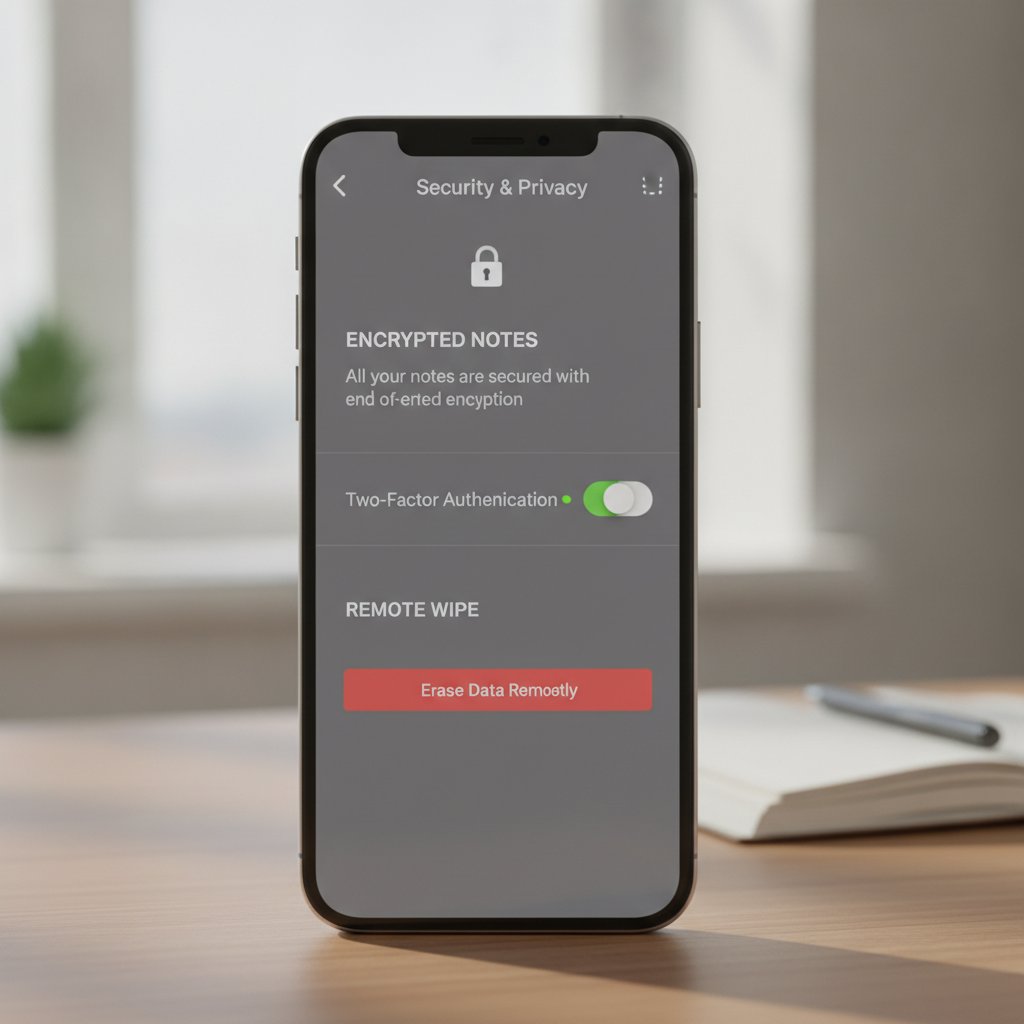
- Enable hardware-level storage encryption: iOS and modern Android phones include hardware encryption chips by default. Turn on this setting, then replace your 4-digit PIN with an alphanumeric password containing at least 10 characters. Scripted tools crack simple 4-digit codes in minutes.
- Enforce biometric app locks: Face ID and fingerprint sensors let you log in quickly without giving away passcodes to anyone glancing over your shoulder. Put this check on your individual clinical apps, not just the phone’s primary lock screen.
- Turn off lock-screen previews: Reconfigure your notification center so alerts show that a message arrived, but hide the sender’s identity and message content until you unlock the screen.
- Automate system and security updates: Outdated phone operating systems carry known vulnerabilities that attackers scan for constantly. Turn on automatic updates so patches apply the day vendors release them.
- Configure remote-wipe capabilities: Connect your device to an enterprise Mobile manager or native utilities like Apple’s Find My and Google’s Find My Device. Leave your phone in a cab, and you can clear the device’s storage in under two minutes from any browser.
- Block public Wi-Fi connections: Avoid handling client records or video calls over open networks at hotels, cafes, or airports without a VPN. Without encryption, other Devices on that same local network can intercept web traffic headers.
These Practices reflect foundational rules established under official HIPAA Security Rule guidance from the U.S. Department of Health & Human Services. Device-level controls form the outer shield, but the software you run inside that operating system determines whether your practice stays compliant.
Our Stance: Stop Mixing Consumer Messaging with Client Care
We see therapists coordinate schedules and clinical updates over basic SMS or consumer chat apps every week. We advise against it completely. Unencrypted SMS bounces across cell towers in clear text, sits on telecom servers for months, and lands in plain text on unencrypted backups.
Even Secure consumer apps like Signal or WhatsApp fall short here because they bundle client contacts alongside your group chats and family photos. When personal messages and Therapy conversations share an app, human error happens fast. You send a text to the wrong thread, upload the wrong picture, or hand your phone to a partner who sees a patient alert. Therapists must run all Mobile interactions through a dedicated practice management Mobile app rather than blending client communication into standard phone dialers.
| Security Layer | Common Practitioner Mistake | Best-Practice Standard | Hypnotes Built-In Solution |
|---|---|---|---|
| Data Storage | Saving notes and client files directly in phone memory or default notes apps. | Zero local file storage; all data kept in sandboxed cloud databases. | Encrypted cloud architecture keeps PHI off device memory banks. |
| Video Sessions | Using consumer video links lacking Business Associate Agreements. | Peer-to-peer encrypted browser/app streaming with active BAA coverage. | Browser-based and native encrypted telehealth built directly into the client portal. |
| App Access | Staying logged in permanently to avoid entering long passwords during quick checks. | Inactivity timers that boot inactive Sessions after brief idle windows. | Automated idle timeouts with biometric re-authentication. |
| Documentation | Drafting progress notes on voice recorder apps or unverified transcription utilities. | Secure, zero-retention clinical transcription within the practice platform. | HIPAA-compliant AI Scribe and Assistant that structure clinical notes securely. |
How Hypnotes Solves Mobile Security Challenges
We built Hypnotes as a single practice management system for therapists, counselors, and wellness providers. You shouldn’t have to piece together four subscriptions just to Keep client records safe on an iPhone.
Check our Hypnotes security and compliance overview for the exact protocols behind our infrastructure. When you pull up Hypnotes on a phone, your screen acts as an encrypted display rather than a hard drive. Medical records, intakes, session notes, and billing entries never touch your personal storage card.
Our HIPAA compliant telehealth app engine encrypts telehealth connections directly. You run intake appointments, manage claims, schedule follow-ups, and collect signatures from your phone without leaving stray downloads in your local folders. Once your appointment wraps, our AI Scribe drafts your SOAP or DAP notes straight into the encrypted record. That keeps you from jotting rough patient notes inside third-party apps that lack protections. By keeping all appointments, clinical records, and video streams behind our encrypted cloud infrastructure, Hypnotes guarantees that a lost or stolen Mobile phone never exposes private patient data.
How Do You Ensure Telehealth HIPAA Compliance on a Smartphone?
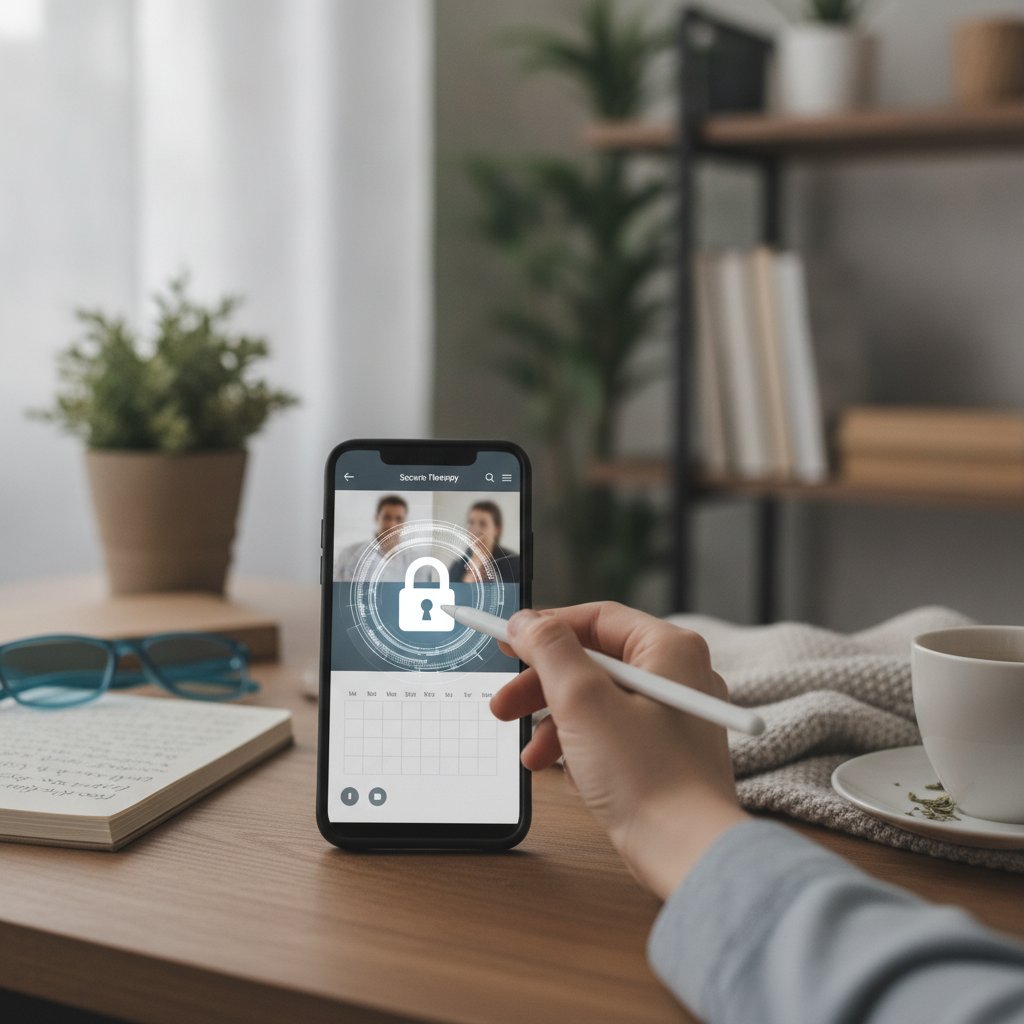
Telehealth compliance on Mobile begins with a signed Business Associate Agreement, end-to-end data encryption, and locked-down phone settings. Never run Therapy appointments over personal FaceTime, consumer Skype, or basic Zoom links that lack HIPAA terms.
Keep your video feeds on encrypted data channels to prevent packet interception. Find a private room with closed doors so your microphone doesn’t pick up household chatter or trigger smart speakers. Your software must log connection times, IP Sessions, and user IDs to satisfy federal audit criteria. A signed BAA combined with end-to-end encryption forms the legal baseline for any Mobile telehealth session.
Can You Store Therapy Session Notes Directly on a Personal Phone?
Never save unencrypted session notes on personal phone storage. Apple Notes, Google Keep, and basic voice-memo tools automatically back up to personal cloud drives. That creates an immediate privacy breach under federal law.
Keep clinical files isolated inside a Secure practice management Mobile app that encrypts data both in transit and at rest. Sandboxed tools Keep records safe. If your phone breaks, gets stolen, or faces personal discovery in a legal dispute, sandboxed records stay protected from third-party eyes.
Protect Your Practice on Every Device
Run video Sessions, document treatment notes with AI assistance, manage appointments, and handle insurance billing from a unified, fully compliant platform built for modern therapists.
Frequently Asked Questions
What should I do immediately if I lose a smartphone containing client data?
Log in to Apple’s Find My or Google’s Find My Device from any computer and trigger an immediate remote wipe. Next, open your practice management dashboard on a web browser and reset your passwords to kill active login tokens. If unencrypted records or texts sat directly on that phone, contact your malpractice insurer and legal counsel right away to assess mandatory breach notifications.
Is Face ID Secure enough for handling Therapy practice tasks?
Biometrics work well to block casual snoopers, but Face ID shouldn’t be your only defense. Back it up with brief inactivity timeouts, a solid alphanumeric device passcode, and two-factor authentication. Layered defenses mean someone picking up your unlocked phone still can’t access client charts.
Does using a cellular connection provide better security than public Wi-Fi?
Yes. 4G and 5G connections encrypt traffic between your handset and cellular towers by design. Public Wi-Fi networks in coffee shops don’t isolate connected Devices, so other people on that router can sniff data packets. When cell service isn’t an option, turn on a trusted VPN before checking practice software.
Can I text appointment reminders directly from my phone’s default messenger?
Standard SMS isn’t Secure for client communication. Carriers Keep clear-text message logs on their servers, and messages travel without end-to-end encryption. If you rely on text reminders, send them through practice management software that scrubs diagnostic details and gives clients clear opt-in and opt-out choices.