

How to Build Custom Intake Forms in Hypnotes: 5 Steps
Last Updated on November 8, 2026
Setting up Custom Intake Forms in Hypnotes swaps out sluggish paperwork for responsive, HIPAA-compliant digital questionnaires. You can tailor question paths, set conditional rules, and automate text and email check-ins without touching code. You get better data, higher completion rates, and an Intake file that actually prepares you for the first session.
Most private practices fight the exact same headache: clients rarely finish their paperwork on time. Handing someone a 12-page clipboard or emailing a static PDF creates immediate drag. People put it off. They rush through personal medical history while sitting in your waiting room, or skip whole sections. That hurried experience gets the therapeutic relationship off on the wrong foot.
Replacing static Intake packets with responsive digital questionnaires directly reduces Client no-shows and administrative burnout. In fact, Research on Client Engagement and Outcome Measurement in Therapy shows that early Engagement and consistent feedback tracking correlate with lasting treatment retention. When the Intake feels intentional and clean, clients arrive ready to work.
Clinical Takeaway
Intake Forms shouldn’t read like tax filings. They represent your first real clinical intervention. Building purposeful logic into your Forms signals that you respect your Client’s time, privacy, and headspace.
The Problem with One-Size-Fits-All Therapy Packets
Cookie-cutter Intake packets shove every person down the same road. An adult dealing with workplace burnout faces prompts about childhood developmental milestones. A couple coming in for marriage counseling gets handed solo trauma inventories. Assessment fatigue sets in fast. Clients skim, tick random boxes, and tune out.
You have to balance compliance needs with emotional readiness. The APA Guidelines for Clinical Intake Forms highlight the need to gather thorough baseline data without placing excessive demands on vulnerable clients. When an Intake feels generic, clients start wondering if the care itself will be just as impersonal.
A targeted five-minute Intake questionnaire consistently yields more honest clinical disclosures than an exhaustive twelve-page packet. By showing only the questions tied directly to what brought the person through your door, you trim the fat while pulling in far cleaner context.
How to Build Custom Intake Forms in Hypnotes: 5 Steps
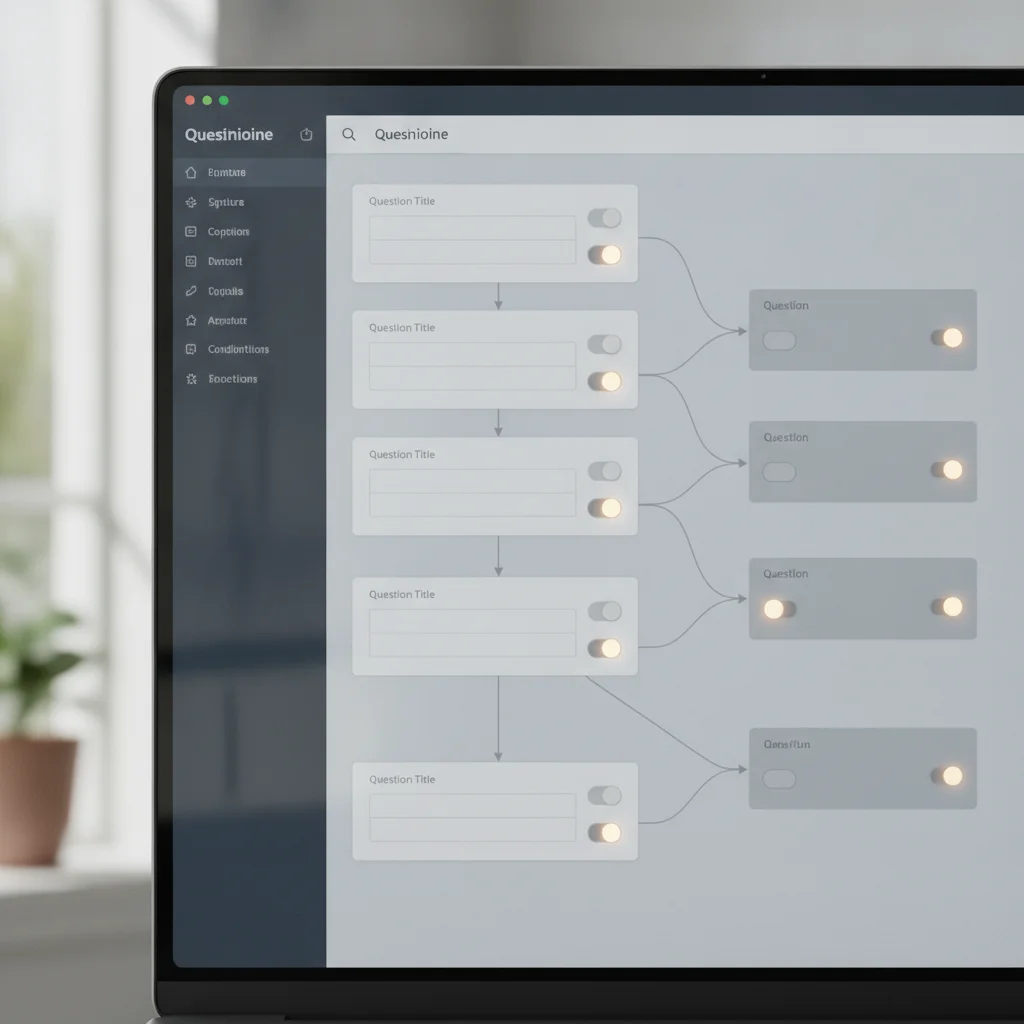
Hypnotes ties clinical Forms straight to your calendar, billing, and Client charts. Building responsive Forms inside the visual editor takes just a few clicks and requires zero technical background. Here is how to set up your questionnaire from scratch.
| Step | Primary Objective | Key Setting in Hypnotes |
|---|---|---|
| 1. Select Template | Choose base structure | Form Builder > Create New Form |
| 2. Field Selection | Capture demographics & history | Drag-and-Drop Form Elements |
| 3. Conditional Logic | Personalize question paths | Field Rules > Add Condition |
| 4. Delivery Automation | Trigger alerts and check-ins | Automated Workflows > SMS/Email |
| 5. Signature & Security | Execute legal consent | E-Signature Block > HIPAA Vault |
Step 1: Open the Questionnaire Builder and Choose Your Layout
Log in to your Hypnotes dashboard and head to the Documents area. Click the Forms module to open the visual builder. You can start with a pre-built clinical template or pick a clean blank slate. To review the full toolkit ahead of time, check out the Hypnotes Form Builder Feature Overview. Starting blank gives you complete freedom over question placement and Custom logic paths.
Step 2: Add Clinical and Demographic Fields
Drag your preferred input fields onto the screen. Break your questionnaire into sensible segments: Contact Details, Emergency Contacts, Health History, and Presenting Concerns. Short text boxes work best for quick demographics. Switch to open text areas for personal therapy goals. For symptom trackers, choose rating scales or multiple-choice grids to keep incoming records uniform.
Step 3: Configure Conditional Logic Rules
Select any field to view its properties and open the logic tab. These rules determine what your Client sees next based on their prior responses. Say you add this question: “Have you participated in psychotherapy before?” If they pick “Yes,” the form reveals follow-up prompts about past modalities and goals. If they choose “No,” those questions stay hidden.
Step 4: Set Up Automated Follow-Ups and Notifications
Once your layout looks right, turn on automated delivery. Set Hypnotes to email and text the form link the minute a booking clears. Schedule reminders for 48 hours and 24 hours before the session if the Intake remains incomplete. You can also trigger brief check-in scales 24 hours after a session wraps up.
Step 5: Add Legal Disclosures and E-Signatures
Wrap up by dropping in your mandatory consent policies: practice terms, cancellation fees, telehealth rules, and HIPAA disclosures. Place an electronic signature element at the foot of each legal policy. Clients can sign with their finger or mouse on any phone or laptop. Hypnotes locks the signed file and drops it directly into the encrypted Client chart.
Designing High-Impact Therapy Questionnaire Builder Questions
Clean software can’t fix clumsy questions. Clinicians often slip into dense diagnostic jargon that leaves clients confused or defensive. If your Intake sounds like a cross-examination, people put up walls. Frame prompts around lived everyday experiences instead.
Consider these practical angles when drafting your practice management Forms:
- Focus on strengths, not just deficits: Instead of asking only about symptoms, ask what personal habits or support systems help them get through difficult days.
- Anchor your rating scales: When tracking distress on a Likert scale, make labels explicit. Define points clearly, such as “0 = Not at all” up to “4 = Nearly every day.”
- Order questions by emotional intensity: Place sensitive trauma history midway or late in the form so the Client feels settled before facing heavier topics.
- Establish concrete goals: Ask what noticeable progress looks like three months from today. This frames early treatment around clear targets.
Intentional question design transforms mechanical paperwork into a collaborative therapeutic roadmap. Blending structured scales with open-ended reflection gives you diagnostic clarity while validating the Client’s story.
How Do Conditional Logic Forms Improve Client Engagement?
Conditional logic Forms turn a cold Intake into an adaptive dialogue by showing clients only what fits their immediate situation. Nobody wants to scroll through pages of questions that don’t apply to them.
Take a routine substance use screening. If someone indicates they do not drink alcohol, displaying eight follow-up questions on drinking habits feels robotic. It screams that your Intake runs on auto-pilot. Conditional branching hides those eight fields entirely. The Client moves forward without unnecessary hurdles.
That level of respect keeps energy high. It also saves you from sifting through blank lines. Completion times drop by half, and your Client enters the first consultation feeling heard rather than processed.
Why Should Therapists Switch to Digital Practice Management Forms?

Therapists who switch to digital Forms eliminate manual data entry, tighten HIPAA compliance, and protect clinical face time. Paper packets create privacy liabilities, demand physical storage, and waste precious session minutes deciphering rushed handwriting.
Housing Client responses inside a unified EHR system keeps Intake insights right in your line of sight during active care. In Hypnotes, responses sit beside the appointment scheduler, telehealth screen, and billing panel. You can pull up original Intake goals during progress notes without opening separate files.
Check the breakdown on the Hypnotes Pricing Plans page to see how built-in digital Forms replace pricey add-on survey software. Bringing Forms, AI transcription, telehealth, and payment processing under one roof removes admin headaches for good.
Modernize Your Clinical Workflow
Hypnotes gives you everything needed to manage Intake Forms, scheduling, billing, and telehealth in one HIPAA-compliant platform.
Start your 14-day free trial of Hypnotes today and Build your first Custom Intake form in minutes.
Setting Up Automated Follow-Ups and Outcome Surveys
Client Engagement doesn’t stop once someone signs the consent form. Maintaining momentum requires regular, lightweight touchpoints across the treatment arc. Hypnotes lets you send automated Client Engagement Surveys that log symptom trends over time.
Here is a dependable schedule to keep clients involved across their care:
- Pre-Session Intake (Sent immediately on booking): Delivers your full Custom Forms and consent policies so baseline details reach your desk early.
- Session Confirmations (48 and 24 hours out): Automated SMS reminders that cut down late cancellations.
- Post-Session Pulse Check (24 hours post-session): A two-question check-in assessing working alliance and homework clarity.
- Periodic Outcome Measurement (Monthly): Standardized assessments measuring symptom shifts across milestones.
Routine between-session check-ins reinforce therapeutic accountability without increasing clinician working hours. The software handles the scheduling so you don’t have to spend your evenings tracking down incomplete Surveys.
Frequently Asked Questions
How do Custom Intake Forms improve Client completion rates?
Custom Forms drop irrelevant questions through conditional logic and mobile optimization. Showing only pertinent prompts reduces cognitive fatigue, so clients finish paperwork well before their first session.
Are Intake Forms and Surveys in Hypnotes HIPAA compliant?
Yes. Hypnotes runs on a HIPAA-compliant infrastructure with end-to-end encryption covering document storage, electronic signatures, and all Client submissions.
Can I use conditional logic to screen for clinical risk?
You can configure branching rules that trigger specific safety resources or clinical follow-up questions whenever a Client checks a high-risk indicator.
How do automated follow-ups help Client retention between sessions?
Automated email and SMS check-ins send outcome Surveys and appointment reminders right to your Client’s phone. That regular rhythm builds accountability without eating up your admin hours.