

How Automated Consent Forms Cut Burnout
Last Updated on November 21, 2026
Quick Answer: Using automated Consent Forms eliminates manual data entry and paper storage. Clinicians focus on therapy, not paperwork. This reduces admin Burnout by removing repetitive tasks and ensuring HIPAA compliance automatically.
Why Manual Paperwork Drains Your Energy: Automated Consent Forms Explained
You didn’t enter clinical practice to spend your afternoons chasing missing signatures. Yet that’s exactly where many therapists’ energy goes — before they’ve seen a single client. The fatigue compounds quietly, and Burnout follows.
Manual processes aren’t just slow; they’re friction-generating machines. You type client data into one system, scan documents into another, store physical folders that eat up space and create liability exposure. Each handoff is an opportunity for something to slip.
The real problem isn’t the volume of work — it’s the constant context-switching between clinical care and administrative overhead. Every time you stop thinking about your client to wonder where that signed Release form ended up, your cognitive load spikes. You can’t stay present in the room when paperwork is competing for mental space.
How Hypnotes Automates the Entire Workflow
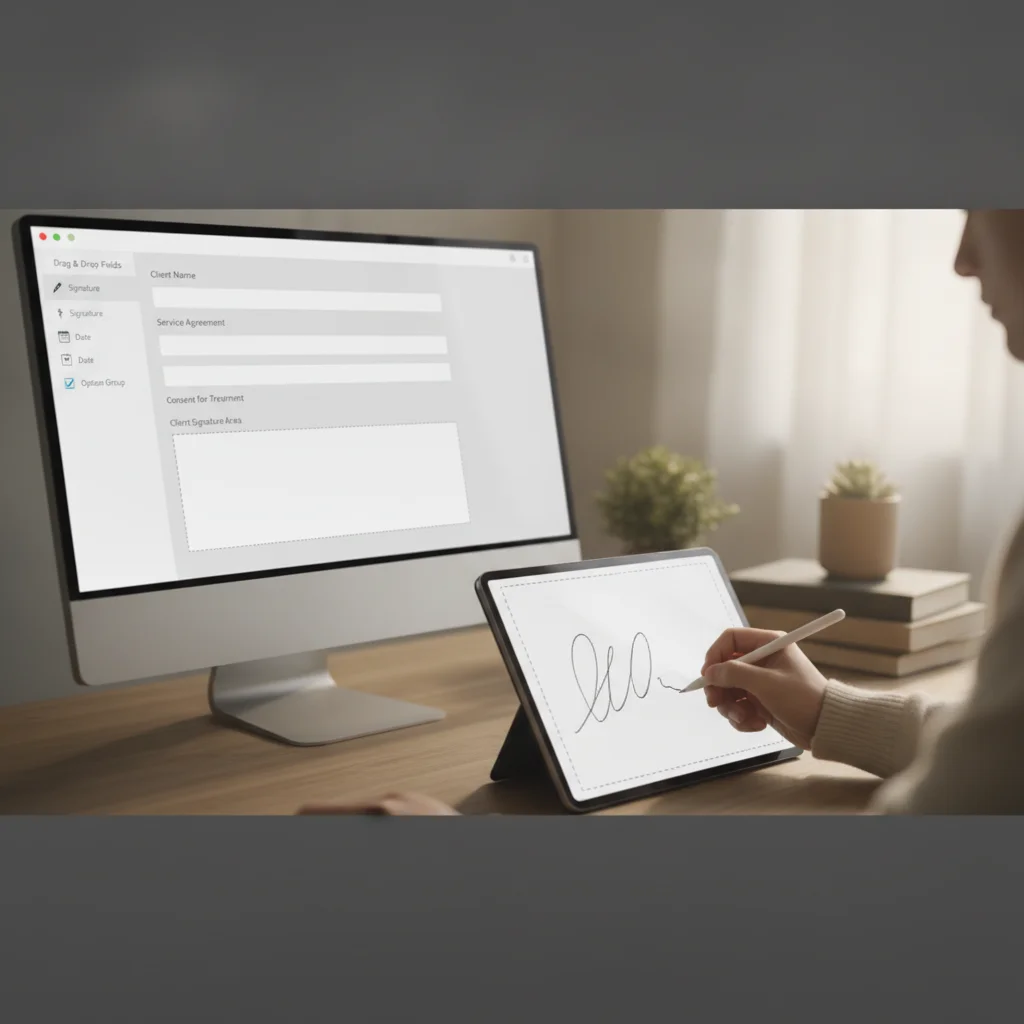
Hypnotes removes that friction through built-in e-signature and intake-form tools. You build the form once. The system sends it. The client signs on whatever device they have. The completed document lands securely in their record. No scanning. No re-typing. No follow-up calls.
What makes this practice management automation genuinely useful is that the workflow is self-correcting. Missing field? Flagged automatically. Signature still pending? The client gets a reminder. You see a live dashboard of pending versus completed documents — no digging through folders to figure out where things stand.
It fits into your existing routine rather than adding to it. No separate app. No new learning curve. Just a direct path from “new client” to “ready for session.”
Step-by-Step: From Creation to Storage
- Build the Template: Drag-and-drop the necessary fields. Add your practice name, client name, and specific Consent language. Save to your library.
- Assign to Client: When you schedule the first appointment, attach the form. The system prepares the document with the client’s details pre-filled.
- Auto-Notification: The client receives a secure link via email or SMS. They click, verify identity, and sign on their phone or computer.
- Real-Time Completion: The moment they sign, the document locks and archives into their record. You get an instant notification.
- Compliance Check: The system verifies the timestamp and IP address, creating an audit trail. Nothing is left to memory or sticky notes.
Is It Safe? Navigating HIPAA Compliance
Speed means nothing if it creates exposure. In behavioral health, you can’t trade one for the other. Hypnotes is fully HIPAA compliant — every document is encrypted in transit and at rest, and access is controlled by role-based permissions so only authorized staff can view sensitive records.
HIPAA compliance isn’t just about encryption; it’s about maintaining an unbroken chain of custody for sensitive data. Manual systems routinely break that chain. A lost paper form is a breach risk. An emailed PDF attachment is a breach risk. E-signatures with verified audit trails are the current standard for safe, modern practice.
The HIPAA guidance on Consent and Release of Information outlines exactly what must be documented. Automated systems capture every required element without depending on manual oversight to catch omissions.
Measurable Benefits: Time, Errors, and Experience
Five new clients in a week. Manually, that’s 15–20 hours of admin time — Forms, filing, follow-up. With automation, the same workload takes under two hours. That’s 13-plus hours returned to your schedule, every week.
Errors drop too. Typos in addresses or dates disappear because client data flows directly from your practice management system into the form. You don’t type the same Information twice, so human error gets engineered out of the process rather than just hoped away.
Clients notice the difference. A smooth digital onboarding — sign from your couch, at your own pace — signals that the practice is organized and professional. It builds trust before the first session begins.
Comparison: Manual vs. Automated Workflow
| Task | Manual Process | Automated (Hypnotes) |
|---|---|---|
| Create Form | Print, stack, or type in separate doc | Drag-and-drop template in PMS |
| Send to Client | Email PDF or mail physical copy | Secure link via email/SMS |
| Verify Signature | Manual visual check, file paper | Auto-verified, encrypted, archived |
| Chase Missing | Phone/email calls | Automated reminders |
| Time per Client | 30-45 minutes | 2-5 minutes |
Case Study: Reducing Admin Burnout in a Small Practice

Consider Sarah (hypothetical) — a solo Therapist seeing 25 clients a week. Before Automating, she spent Saturdays filing paperwork. She dreaded Sunday nights. Clients picked up on her distraction during sessions, even when she tried to hide it.
After switching to e-signatures and automated intake, the weekend filing stopped. Her no-show rate dropped because reminders went out automatically. She reported feeling more present in sessions. The Burnout didn’t just decrease — it became manageable.
The biggest shift wasn’t the hours saved; it was reclaiming the mental space those hours had occupied. Sarah didn’t have to remember who signed what. The system tracked it. That cognitive offloading — not just the time reduction — is what separates a sustainable practice from one that grinds you down.
Common Mistakes to Avoid When Implementing
Not every rollout goes cleanly. A few patterns cause most of the trouble:
- Over-customizing templates: Don’t build 50 variations. Stick to 3–5 core templates and adjust per client as needed. The more complexity you introduce upfront, the more confusion you create later.
- Ignoring the client’s experience: Test the signing link yourself on a phone before you send it to anyone. If it’s clunky on mobile, clients will hesitate — and hesitation erodes trust before the first session.
- Skipping audit reviews: Check your logs monthly. Compliance isn’t something you configure once and forget; it requires ongoing attention to stay airtight.
- Not training front-desk staff: A small gap in knowledge at the front desk translates directly into delayed or missing documents. A 20-minute walkthrough prevents a lot of downstream friction.
How This Impacts Your Practice Management Strategy
Automated Consent Forms are a starting point, not a finish line. Once your documents are clean and digital, the rest of the stack benefits. Insurance billing gets faster because you can attach proof of services immediately. Telehealth sessions start on time because clients arrive having already completed pre-session work. The whole operation tightens up.
Think of it as the foundation. Clean documents build client trust, reduce compliance risk, and return hours to your week. Those hours are finite. Spending fewer of them on paperwork means more of them go toward the work you actually trained for — or toward rest, which matters just as much.
Frequently Asked Questions
Are automated Consent Forms legally binding?
Yes. Electronic signatures are legally enforceable under the ESIGN Act and UETA, provided the process captures intent and identity verification. Hypnotes includes these safeguards to ensure validity.
Do clients get notified if they haven’t signed?
Yes. The system can send automated reminders via email or SMS if the form isn’t completed by a set deadline. This ensures you don’t have to chase clients manually.
Can I customize the Forms for different populations?
Absolutely. You can create specific templates for minors, telehealth, or specific treatment types. Save these as reusable templates to maintain consistency while addressing unique needs.
What happens if a client changes their Information?
Any changes after signing create a new version of the document. The previous version remains in the audit trail. This preserves the integrity of the original record while allowing for updates.
Is this suitable for solo practitioners?
Yes. The workflow is designed to be simple enough for solo therapists but scalable for groups. You don’t need a large team to benefit from automated Consent Forms.
Ready to Reduce Your Admin Load?
Stop letting paperwork eat your practice. Start your free trial and experience the difference automated Consent Forms make.