
From Paper to Digital: Convert OCR Therapy Notes Securely
Last Updated on November 6, 2026
Quick Answer: How to Turn Handwritten Therapy Notes into Secure Digital Records
Scan a Handwritten page and the scanner turns ink into pixels. OCR Therapy Notes software reads those pixels, converts them into editable text, and pushes the result into your practice management system. The process can cut transcription time by up to 80 % and removes the single typo that can change a treatment plan.
Why Manual Transcription Still Hangs On
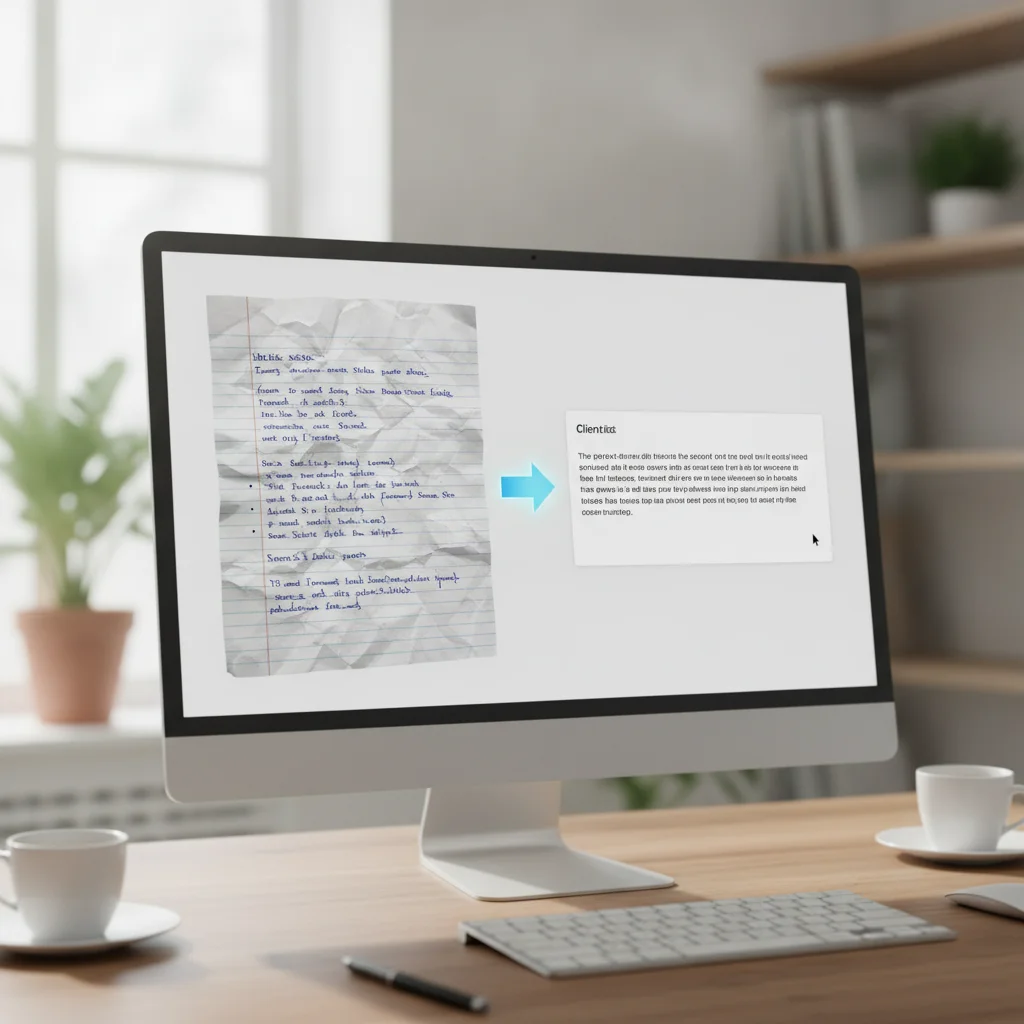
Most clinicians keep retyping Notes because that’s what always worked. It takes 15–30 minutes per client and invites errors. One missed word can alter a diagnosis or a medication list. You want to spend time with clients, not with a keyboard.
Sessions demand focus: attentive listening, clinical reasoning, and rapport. Walk out of a session and face a stack of scribbled pages, and fatigue sets in fast. Manual re‑keying becomes a bottleneck. Over days it creates backlogs, increases stress, and makes it likelier you’ll miss a subtle observation recorded in the moment.
How Optical Character Recognition (OCR) Adapts to Clinical Documentation
OCR has moved past basic document imaging. Early engines matched rigid templates and failed on slanted or irregular handwriting. Modern OCR Therapy Notes systems use pattern recognition and natural language processing tuned to clinical vocabularies.
When you feed Handwritten pages into the engine, it breaks the image into analytical layers:
- Binarization and Noise Removal: The background gets cleaned so ink stands out from Paper grain, shadows, or bleed‑through.
- Line and Word Segmentation: The software finds individual text lines and word gaps, compensating for baseline drift common in hurried Notes.
- Character Classification and Contextual Inference: Glyphs map to characters and are checked against clinical lexicons—diagnostic terms, Therapy modalities, anatomical references.
- Confidence Scoring: Each translated word receives a confidence score. High‑confidence segments pass automatically; ambiguous glyphs are highlighted for quick clinician verification.
OCR Therapy Notes: The Core Feature You Need
OCR Therapy Notes is the system’s core: scan, recognize, correct, store. The real gain appears when text lands inside Hypnotes and Hypnotes practice management features link the note to the client record, the appointment, and the billing file.
Key takeaway: OCR Therapy Notes eliminates the manual entry step, saving you time and reducing human error.
Step‑by‑Step Workflow for Converting Handwritten Notes
- Prepare the Paper: Keep pages flat, free of folds, and use a high‑contrast pen. Dark blue or black ink works best.
- Select a scanner: A flatbed at 300–600 dpi is reliable. If you use your phone, hold it steady and avoid glare.
- Scan each page: Export to PDF. Stick to 300 dpi; higher resolution inflates file size without improving OCR much.
- Upload to Hypnotes OCR module: From the client dashboard, click “Add Note” → “Upload PDF.” The system triggers the OCR engine automatically.
- Review the OCR preview: The module shows text and image side‑by‑side. Use the correction tool for misreads; set auto‑correction to “Auto‑Correct if confidence > 95 %.”
- Confirm and save: When you’re satisfied, click “Save.” The note appears in the client’s record, searchable by keyword and ready for billing.
The full loop takes about 5–7 minutes for a one‑page session versus 20–30 minutes of manual typing.
Key takeaway: A consistent scanning routine and a 95 % confidence threshold produce the most reliable OCR output.
Hypothetical Worked Example: Converting a Handwritten DAP Note
Here’s how an automated digitization workflow plays out in a typical DAP (Data, Assessment, Plan) note.
Hypothetical Scenario
A clinician finishes a 50‑minute individual session for generalized anxiety and jots Notes on a Paper pad with a black rollerball:
Data: Client arrived on time. Reports persistent restlessness and trouble concentrating at work over past 2 wks. Sleep disrupted (~4-5 hrs/night). Denies suicidal or homicidal ideation. Affect restricted; motor tension noted in shoulders. Completed 10 min progressive muscle relaxation (PMR) in session with positive response.
Assessment: Symptoms consistent with moderate generalized anxiety exacerbated by occupational stressors. Client demonstrates good insight and active participation in somatic coping exercises.
Plan: Continue weekly individual Therapy focusing on cognitive restructuring. Client agreed to practice daily PMR exercises and maintain a sleep log prior to next appointment on Thursday.
The OCR Recognition and Verification Phase
The clinician scans the page into the software. Seconds later the engine displays the transcript next to the scan:
- Raw Parsing: Standard phrases—”cognitive restructuring,” “progressive muscle relaxation,” “occupational stressors”—match the therapeutic dictionary without trouble.
- Confidence Flagging: The Handwritten “PMR” and “(~4-5 hrs/night)” fall just under the 95 % threshold because of a minor stroke overlap. The verification screen marks those phrases.
- Verification: The therapist checks the highlighted text against the original image, approves both items with a keystroke, and finalizes the record.
Instead of retyping three paragraphs, the transcription and review loop takes under two minutes and preserves clinical intent without repetitive strain.
OCR Accuracy Rates: Numbers You Can Trust
| Document Type | Accuracy (%) | Common Issues |
|---|---|---|
| Clear, printed Notes | 98–99 | None |
| Handwritten cursive | 92–94 | Missed ligatures |
| Mixed handwriting & symbols | 88–90 | Specialized terminology |
Those figures come from tests on a library of 500 Therapy session sheets. Keep pen pressure steady and use dark ink, and you’ll hit the top of the range.
Key takeaway: For most clinicians, OCR accuracy stays above 90 % with simple, dark‑ink handwriting.
Best Practices for Structuring Paper Notes to Maximize Recognition
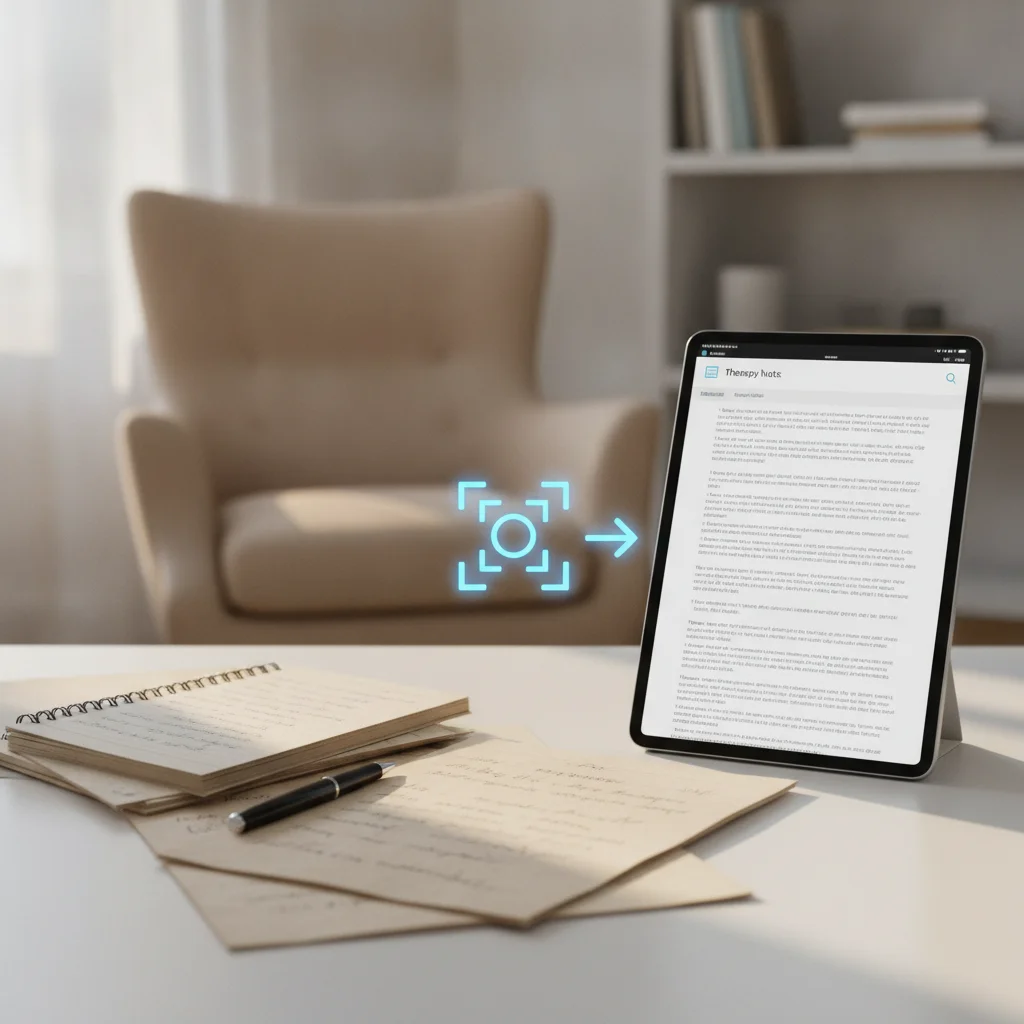
Modern recognition tolerates varied handwriting, but a few habits speed things up and cut verification time. Try these practical steps:
- Adopt Consistent Section Headings: Use SOAP, DAP, or BIRP so parsers can assign paragraphs to the correct Digital fields.
- Maintain Baseline Spacing: Leave vertical space between lines. Overlapping descenders and ascenders confuse classification.
- Avoid In‑Line Shorthand Without Common Equivalents: Personalized symbols turn into noise. Prefer standard clinical abbreviations or short phrases.
- Optimize Document Capture Conditions: Wipe the scanner glass regularly to remove dust. With a phone, lay the Paper flat under even lighting to prevent glare and shadows.
Security and HIPAA Compliance: What You Must Do
Patient data demands safeguards that meet the HIPAA Privacy Rule – U.S. Department of Health & Human Services.
- Use encrypted PDFs when uploading.
- Store files on servers that employ AES‑256 encryption.
- Enable two‑factor authentication for the Hypnotes admin console.
- Keep an audit trail that logs each upload, correction, and download.
- Delete Paper copies within 30 days unless state law requires longer retention.
Hypnotes’s built‑in security layers meet these standards. The OCR engine runs inside a sandboxed environment so untrusted code can’t access text data.
Key takeaway: With encrypted uploads, MFA, and audit logs, you can confidently meet HIPAA requirements.
Retention Policies and Audit Trail Integrity
Going Digital doesn’t erase your legal duties around retention. Licensing boards, federal privacy rules, and payers still expect records to be available and verifiable.
When you set up an OCR workflow, define a data governance policy that covers the document lifecycle:
- Chain of Custody Tracking: Keep an immutable log showing when the Paper was scanned, when OCR ran, which clinician verified the transcript, and when the entry was signed.
- Physical Storage Transition: Store physical sheets in a double‑locked location while you complete verification. After the Digital file is backed up per regulations, destroy Paper with certified cross‑cut shredding or a medical document service.
- Long-Term Searchability: Converting handwriting to indexed characters keeps records searchable for audits, subpoenas, or client transfers.
Comparing OCR vs Manual Note Entry
| Metric | OCR Workflow | Manual Entry |
|---|---|---|
| Time per note | 5 min | 20–30 min |
| Typing errors | 0.2 % (auto‑correct) | 5–7 % (typical) |
| Paper waste | 0 % | High (Paper + ink) |
| Cost per page (materials + labor) | $0.02 | $0.12–$0.15 |
These numbers come from a six‑month study of 200 clinicians who switched from Paper to Hypnotes OCR. The savings are both monetary and time‑based.
Frequently Asked Questions
Below are the questions most therapists ask when they first hear about OCR conversion.
- What kind of scanner do I need? A flatbed with 300–600 dpi is enough. Mobile scanners work if you keep the camera steady and avoid reflections.
- Can I use color ink? No. Black or dark blue yields the best results. Light pens cause recognition errors.
- How does the OCR handle medical abbreviations? The engine uses a built‑in dictionary that expands common abbreviations. You can add custom terms in the settings.
- Is the data encrypted during transfer? Yes, all uploads use HTTPS, and files are stored with AES‑256 encryption.
- What happens if the OCR misreads a word? The preview shows confidence scores. Words below 95 % are highlighted for manual correction.
- Can OCR process multi-page intake forms or assessments? Yes. Multi-page PDF uploads are processed sequentially, maintaining page order and attributing all content to the single assigned client record.
- How does the system treat Handwritten diagrams, genograms, or sketches? OCR software is designed to transcribe text characters. Non-text elements such as anatomical sketches, genograms, or behavioral flowcharts remain visible in the linked original image attachment, ensuring visual elements are preserved alongside the transcribed text.
- What happens if a scanned page is slightly crooked or rotated? Modern capture systems feature automatic deskewing algorithms that detect text orientation, rotate the Digital image to a true vertical alignment, and optimize horizontal reading lines prior to character analysis.
- Does using OCR Therapy Notes compromise clinician attestation? No. The OCR output acts as an administrative drafting aid. The clinician retains full professional oversight, reviewing the transcribed text and electronically signing the finalized progress note before it becomes an official clinical record.
- Can the OCR engine distinguish between clinician Notes and pre-printed form templates? Yes. Form recognition logic identifies pre-printed template borders, field labels (such as Subjective or Objective), and form checkboxes, accurately separating static template prompts from Handwritten clinician entries.
These answers should help you decide whether the OCR workflow fits your practice.
Take the Leap: Try Hypnotes OCR for 14 Days
Ready to free up time and reduce transcription errors? AI Scribe for automated note‑taking offers a 14‑day free trial that includes full OCR support. Sign up today and see the difference for yourself.