

Hybrid Therapy Scheduling: A Guide to One Dashboard
Last Updated on November 2, 2026
Solid Hybrid Therapy scheduling lets behavioral health clinicians coordinate physical room bookings and virtual appointments through One synchronized calendar engine. Instead of juggling disconnected video tools and paper desk planners, a single Dashboard generates encrypted video links, updates physical office availability, applies correct billing codes, and unifies clinical documentation automatically.
Running a modern behavioral health clinic means meeting clients on their terms. One client needs the privacy of your office on Tuesday morning. Another needs an evening virtual session from home after work. When your practice relies on disconnected systems, the cracks show fast.
You find yourself cross-checking a calendar for room keys, logging into a standalone video app for remote hours, and typing progress notes into a separate records system.
Running both care models through One central calendar eliminates double bookings and cuts your weekly admin time in half.
Why Split Systems Damage Hybrid Practice Growth
Most solo practitioners and group practices piece together their tech stack as they grow. When Telehealth surged, clinicians hastily tacked standalone video tools onto existing paper planners or basic calendar apps. That fragmented setup introduces points of failure into daily patient management.
Double bookings happen constantly. You write an in-Person client into a calendar slot, forgetting your online booking page just published that exact hour for a Telehealth patient. Security gaps crop up next. Consumer video platforms routinely skip required healthcare safeguards unless you pay for specialized enterprise accounts. As the HealthIT.gov Telehealth Overview makes clear, healthcare providers must maintain secure electronic infrastructure and follow data security rules when providing care remotely.
Client communication takes a hit, too. An office client receives an automated email containing a dead video link, or an online client shows up at a locked office door.
Scattered tools waste your working hours and send an unorganized impression to new clients.
The Real Burden of Multi-App Workflows
- Logging into two to four apps before your first session begins
- Copying and pasting meeting links into appointment reminder texts
- Retyping client demographic data across independent billing tools
- Appealing claim rejections sparked by incorrect Place of Service codes
How Do You Set Up Hybrid Therapy Scheduling in One Dashboard?
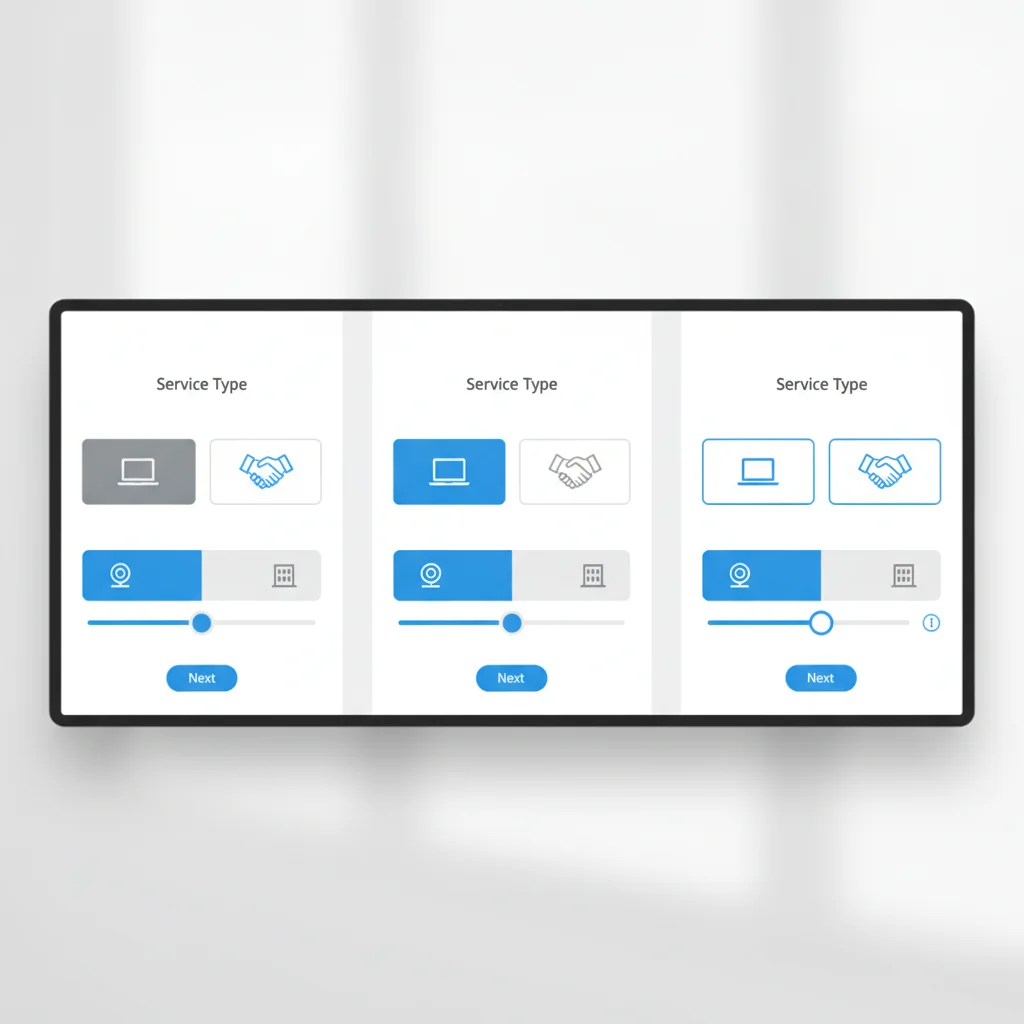
Configuring a Hybrid schedule does not take days of technical work. It just takes a structured setup inside your software. Your objective is straightforward: protect physical room capacity on office days while opening remote slots when you work from home.
Follow these four steps in Hypnotes to get your Hybrid calendar running clean.
- Configure Service Locations and Session Types: Head into your appointment settings. Build distinct offerings such as “In-Person Psychotherapy (50 min)” and “Telehealth Psychotherapy (50 min).” Map the in-Person option to your physical clinic address or specific treatment room, and link the virtual visit to integrated video delivery.
- Establish Location-Based Availability Windows: Set the exact days you practice on-site versus off-site. For example, assign office bookings to Mondays and Wednesdays from 9:00 AM to 4:00 PM, then set Tuesdays and Thursdays for virtual visits. The booking engine presents only the openings matching each client’s chosen location.
- Enable Automated Client Confirmations and Reminders: Build specific notification triggers. When someone books an on-site visit, the system sends parking details, directions, and building entry codes. When someone books remote care, the confirmation email delivers a secure link for HIPAA Telehealth without any manual copying.
- Assign Custom Digital Intake Packets: Route intake documents based on appointment type. In-Person clients complete standard consent paperwork, while virtual clients review technology consents and supply their physical location for remote safety records.
Setting explicit rules for each session type cuts off scheduling mix-ups before they reach your calendar. Clients get total clarity, and you never have to text missing meeting links five minutes before session.
Comparing Fragmented Tools vs. Unified Hybrid Care Software
Clinicians often ask whether moving to dedicated Hybrid care software justifies the operational change. The table below outlines how independent tools compare against an integrated setup.
| Practice Capability | Fragmented Setup (Multiple Apps) | Unified Platform (Hypnotes) |
|---|---|---|
| Calendar Sync | Manual cross-checks between work calendars | One real-time calendar with location tags |
| Video Meeting Links | Created manually and pasted into emails | Generated automatically in the appointment card |
| Client Intake Forms | Printed PDF attachments or generic web forms | Secure digital forms and surveys inside portal |
| Documentation | Manual typing in separate note programs | AI Scribe and clinical templates built-in |
| Billing & Claims | Exporting hours to independent clearinghouses | Direct insurance billing with automated codes |
Consolidating your workflow onto One platform removes the manual data entry that drives typical administrative mistakes. That means you spend your working day delivering Therapy instead of auditing calendar entries.
How Do Integrated Notes and Billing Support Both Care Formats?

Hybrid Therapy is about more than just booking open hours. Every session generates clinical documentation and an insurance claim or patient invoice. Handling paperwork separately for in-Person appointments versus Telehealth Sessions stalls your practice operations.
In an integrated environment, clinical documentation attaches straight to the scheduled session. Hypnotes provides an AI Scribe and an AI Assistant built for behavioral health clinicians. During or right after your session, the assistant turns clinical interactions into clean, structured progress notes in SOAP or DAP formats. You maintain complete editorial review to check, tweak, and sign the note in seconds.
Billing follows the same direct pattern. Insurance carriers demand specific coding markers based on where you deliver care. In-Person Therapy requires Place of Service (POS) code 11. Telehealth requires POS code 02 for care delivered outside the patient’s home or POS code 10 for care in the patient’s home, alongside 95 or GT modifiers.
Applying your place-of-service billing codes automatically at the moment of booking prevents common claim denials and gets your practice paid faster. You can review these integrated workflows inside the full suite of Hypnotes practice management features.
Retaining Clients with Day-of Flexibility
Late cancellations and no-shows cost private practices thousands of dollars each year. Under a rigid office-only policy, a client facing gridlock traffic, a sick kid at home, or mild cold symptoms simply cancels. That clinical hour disappears, and your clinic absorbs the lost income.
A Hybrid model keeps that schedule intact. When a client cannot make the drive, they call your office to switch to a virtual visit instead. Because your calendar houses therapist Telehealth tools alongside office schedules, you switch modes with One click. You update the session type, the system fires an access link, and your clinical hour stays on track.
Offering immediate day-of session flexibility protects your clinical continuity and keeps your monthly revenue steady. Your clients stay supported through routine disruptions, and Therapy keeps moving forward.
Frequently Asked Questions
How does Hybrid Therapy scheduling prevent double booking between office and Telehealth?
A unified Dashboard links room availability and video session openings to a single calendar engine, blocking conflicting times across both delivery methods automatically.
Can clients switch from an in-Person session to Telehealth on short notice?
Yes. Practitioners can toggle the appointment delivery method inside the appointment card, which instantly issues an encrypted video link to the client.
Does Hybrid care software handle different billing codes for Telehealth and office visits?
Yes. Modern platforms attach the correct Place of Service codes, such as 02 or 10 for Telehealth and 11 for in-office visits, directly to the claim upon booking.
Are Telehealth video links generated by the Dashboard HIPAA compliant?
Yes. Integrated platforms use end-to-end encrypted video protocols backed by a signed Business Associate Agreement to satisfy all federal privacy requirements.
Ready to Unify Your In-Person and Virtual Practice?
Stop juggling disconnected apps and conflicting calendars. Hypnotes gives you scheduling, HIPAA-compliant Telehealth, AI notes, intake forms, and insurance billing under One roof. Check out the transparent Hypnotes pricing plans and start your 14-day free trial today.