
OCR for Therapists: Streamline Paper to Digital Records
Last Updated on November 27, 2026
Executive summary
OCR for Therapists saves hours by converting Paper charts into searchable, encrypted Records stored inside an EHR. We use secure scanning, AI-powered OCR conversion, and HIPAA-compliant storage to cut manual entry, speed audits, and reduce breach risk. The three-step workflow below trims note retrieval time and supports billing and telehealth for solo and group practices.
Why Therapists still drown in Paper — and why it matters
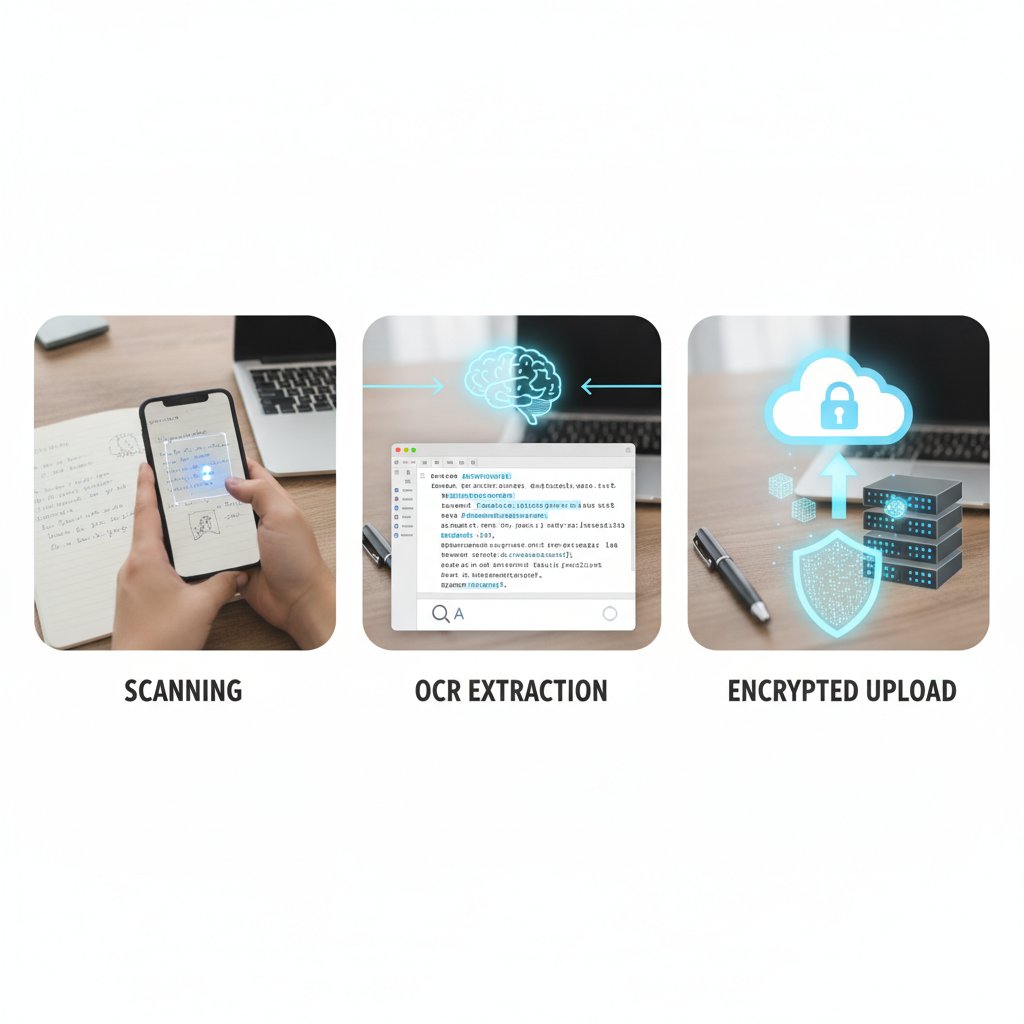
Practices still keep intake forms, legacy notes, consent forms, and old treatment plans in cabinets. That pile costs hours every week: time hunting Records, retyping notes, and assembling documents for audits or payers. Admin work eats into billable time. Paper moving around the clinic also increases exposure if bundles go missing or are tossed improperly.
Converting Paper files into searchable Digital Records cuts retrieval time and reduces the chance of physical-loss incidents.
OCR for Therapists: the three-step workflow we recommend
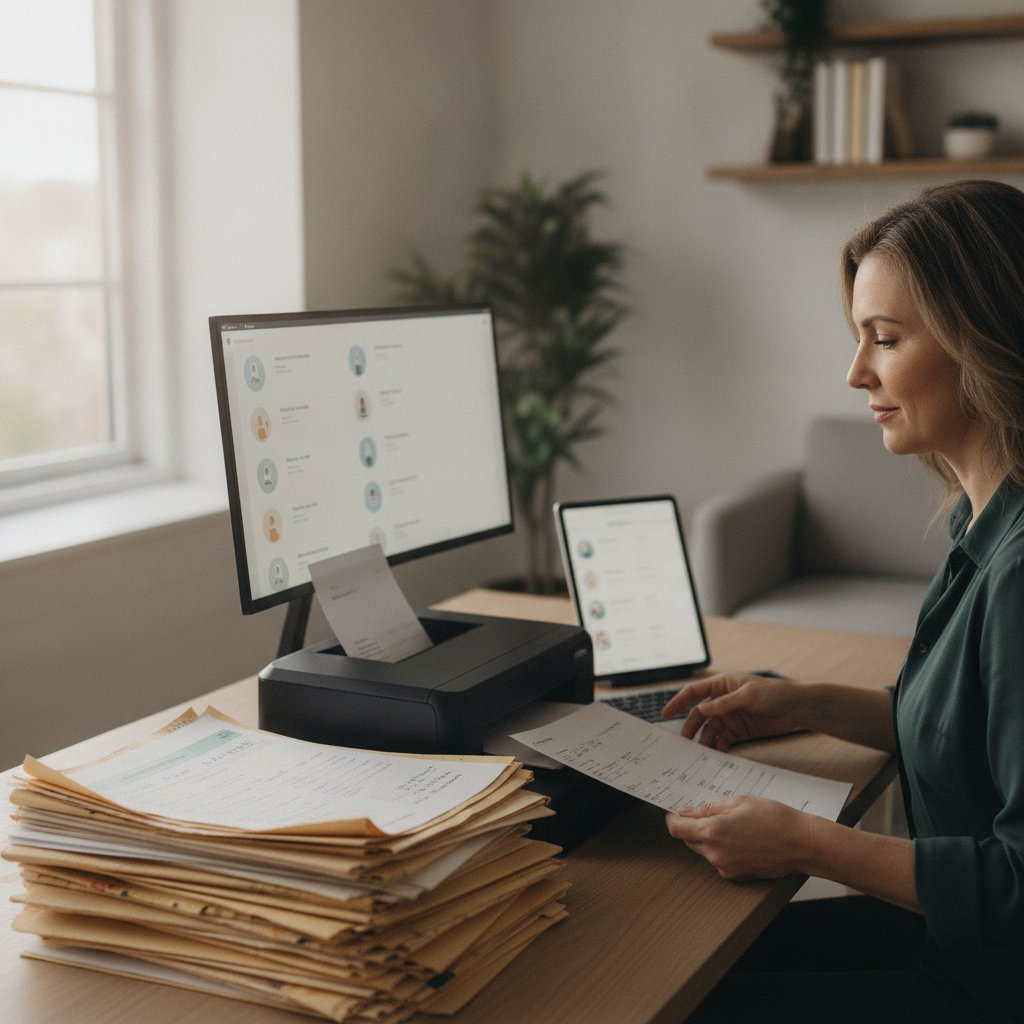
We recommend a strict three-step flow: secure scanning, AI OCR conversion, then HIPAA-compliant storage in a practice system like Hypnotes. Each step fixes a common failure mode that slows migration. Treat the steps as sequential and measurable; they aren’t optional add-ons.
Step 1: Secure scanning (capture)
Start with a capture standard everyone follows at every site. Variability in scanning creates OCR errors and forces manual fixes later. Pick one scanner profile and train your team on it.
Scan at 300 dpi, use color when forms include highlights, save as PDF/A, and name files consistently (YYYYMMDD_LastName_FirstInitial_DocType).
- Scanner settings we use: 300 dpi, auto-crop on, deskew on; color for highlighted forms, grayscale for single-column typed pages.
- PDF/A gives long-term archival compatibility; searchable PDFs simplify ingestion.
- Lock the scanning station behind user logins and close the station when unattended.
Limit place-to-place shipping of Paper. When transport is unavoidable, seal bundles, log chain-of-custody, and keep receipts.
Step 2: AI-powered OCR conversion (transform)
AI OCR turns Image pixels into structured Text. Off-the-shelf engines vary; you need a pipeline that flags low-confidence output for human review and that keeps original images for audits.
Use an automatic-accept confidence threshold of 85%; route anything below that to a reviewer before it becomes the official note.
Practical settings and rules we deploy:
- Language model: English (US) primary; add Spanish if more than 5% of clients use Spanish.
- OCR engine: run an automated OCR pass, then a lightweight post-OCR grammar and spell check tuned to clinical terms (diagnoses, CPT codes, therapist names).
- Confidence threshold: 85% for paragraphs, 92% for numeric fields (dates, dosages, insurance IDs). Numeric mistakes trigger billing rejections.
- Human-review window: assign any document with sections below thresholds to a reviewer within 24 hours. Reviewers correct and verify; corrections become training metadata for the OCR engine.
- Keep the original scanned Image for 365 days in a secured archive for audit trails.
Automating too aggressively lets errors slip into official Records. The 85/92 thresholds balance throughput and safety — they catch most bad conversions without throttling volume.
For background on the Technology, review Optical Character Recognition (OCR) – Wikipedia.
Step 3: HIPAA-compliant storage inside Hypnotes (store)
After OCR and verification, documents should flow into a HIPAA-compliant EHR or practice-management platform that provides encrypted storage, access controls, audit logs, and retention policies. Hypnotes implements these controls and includes an AI Scribe to keep notes coherent and searchable.
Store the verified OCR result as a final searchable PDF and index it with structured metadata (client ID, date of service, document type, OCR confidence score).
Indexing matters: searchable Text is useful only when paired with consistent metadata. Hypnotes supports tagging and linking documents to appointments and billing entries — see How Hypnotes’ OCR Scanning Works for ingestion and indexing details.
What compliance mistakes we see — and how to avoid them
Most costly errors are procedural, not technical. Teams scan and upload, then forget redaction, BAAs, or audit trails. That leads to violations. We see which mistakes cause the most trouble and how to prevent them.
Always run a documented migration plan that includes a Business Associate Agreement, a redaction policy, and audit logging for every migrated file.
- BAA: sign one with every cloud vendor before you transfer documents.
- Redaction: never upload documents with visible social security numbers or full insurance IDs; redact before ingestion or use a provider that offers server-side redaction tools.
- Retention and disposal: define how long originals are kept and how they’re destroyed; collect shredding certificates and chain-of-custody logs.
- Training: require two staff to validate migration batches for the first 90 days.
For authoritative guidance on privacy obligations, review the HIPAA Privacy Rule overview (HHS).
How accurate is OCR for clinical notes?
Modern OCR tuned for clinical language delivers high accuracy on typed forms but lower accuracy on handwriting; results track with scan quality and review rules.
Typed intake forms and letters usually convert at over 95% usable accuracy when scanned at 300 dpi and processed with medical dictionaries. Handwritten psychotherapy notes vary: expect 60–85% raw accuracy. That variability is why our 85% acceptance threshold and human-review step matter.
How do we securely scan Paper charts?
Use a locked scanning station, a single scanner profile, immediate upload to an encrypted staging server, and role-based access for reviewers.
Don’t let scanned files sit on local drives. Configure scanners to push files to an SFTP or direct-to-cloud ingestion endpoint secured with TLS. Require authentication at the device and enable automatic logoff after inactivity.
Practical trade-offs: full automation, hybrid, or manual?
You can pick one of three migration models. Each has a cost, a speed, and an accuracy profile. Below is a compact comparison to help you decide.
| Model | Speed | Accuracy | Best for |
|---|---|---|---|
| Full automation | Fast | Medium (depends on thresholds) | Large archives of typed forms |
| Hybrid (automation + review) | Moderate | High | Mixed collections, including handwriting |
| Manual transcription | Slow | Very high | Critical legal documents |
We recommend the hybrid model for most therapy practices: it balances throughput, accuracy, and human oversight.
Concrete 10-step migration checklist (numbered process)
- Create a migration plan and assign roles (project lead, scanner operator, OCR reviewer, compliance officer).
- Inventory document types and prioritize (intake forms, active charts, old progress notes).
- Choose scanner profiles: 300 dpi, PDF/A, color for highlighted forms, grayscale for typed Text.
- Sign BAAs with all vendors before transfer.
- Scan by batches of 250 pages; label batches with a unique ID and manifest.
- Run OCR with language=English, post-OCR medical dictionary enabled, confidence threshold=85% (92% numeric).
- Human review any batch where more than 10% of pages fall below thresholds; correct and re-index.
- Index and tag documents with client ID, date, doc type, and OCR confidence score; store verified files as final PDF/A in Hypnotes.
- Retain originals for a pre-defined period; document secure destruction (shredding certificates).
- Audit: verify 5% of migrated charts monthly for the first year and adjust thresholds or staffing as needed.
Frequently Asked Questions
How long does a migration usually take?
It depends on volume and the chosen model. A hybrid migration for a 5,000-page archive typically takes 2–6 weeks; full automation can be faster but requires more QA. Your timeline will depend on staffing and review capacity.
Is cloud OCR safe for PHI?
Yes, when the vendor signs a BAA, uses encryption at rest and in transit, and provides audit logs. Always confirm policies and run a small pilot batch first.
Will OCR create legal Records I can rely on?
Treat OCR output as provisional until verified. Keep originals until validation completes and retain Records of review.
Can Hypnotes handle both scanned documents and native Digital notes?
Yes. Hypnotes stores and indexes scanned and native notes together so clinicians can search across all Records from one place — compare feature tiers at Hypnotes Pricing Plans.
Next steps and call to action
If you want to stop losing time to Paper, run a controlled pilot: scan 250 pages, apply the 85/92 thresholds, and push them through Hypnotes’ ingestion. The pilot will reveal staffing needs and expected error rates.
Start a free trial of Hypnotes’ OCR-enabled practice management platform to test scanning, verification, and secure storage on your own files.