



Zoom Documentation
You can use Zoom via Hypnotes for creating meetings. By default Hypnotes provides automatically generated meeting url from its infrastructure. By some reason you may want use Zoom for your meeting.
How to use?
This steps redirect you to Zoom authorization page to get create meeting access.
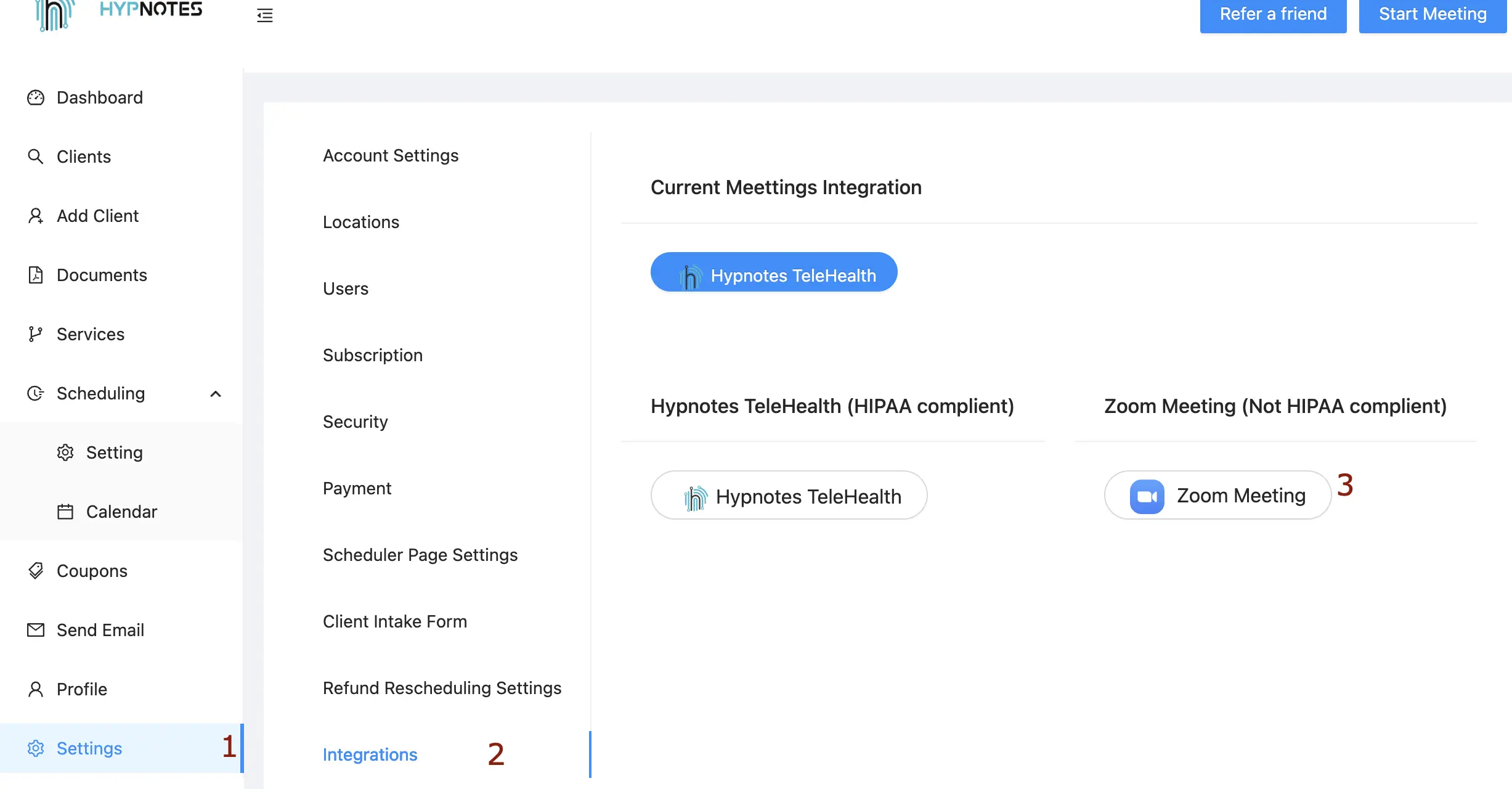
- 1. Click settings on sidebar.
- 2. Click integrations.
- 3. Click Zoom Meeting button.
Usage
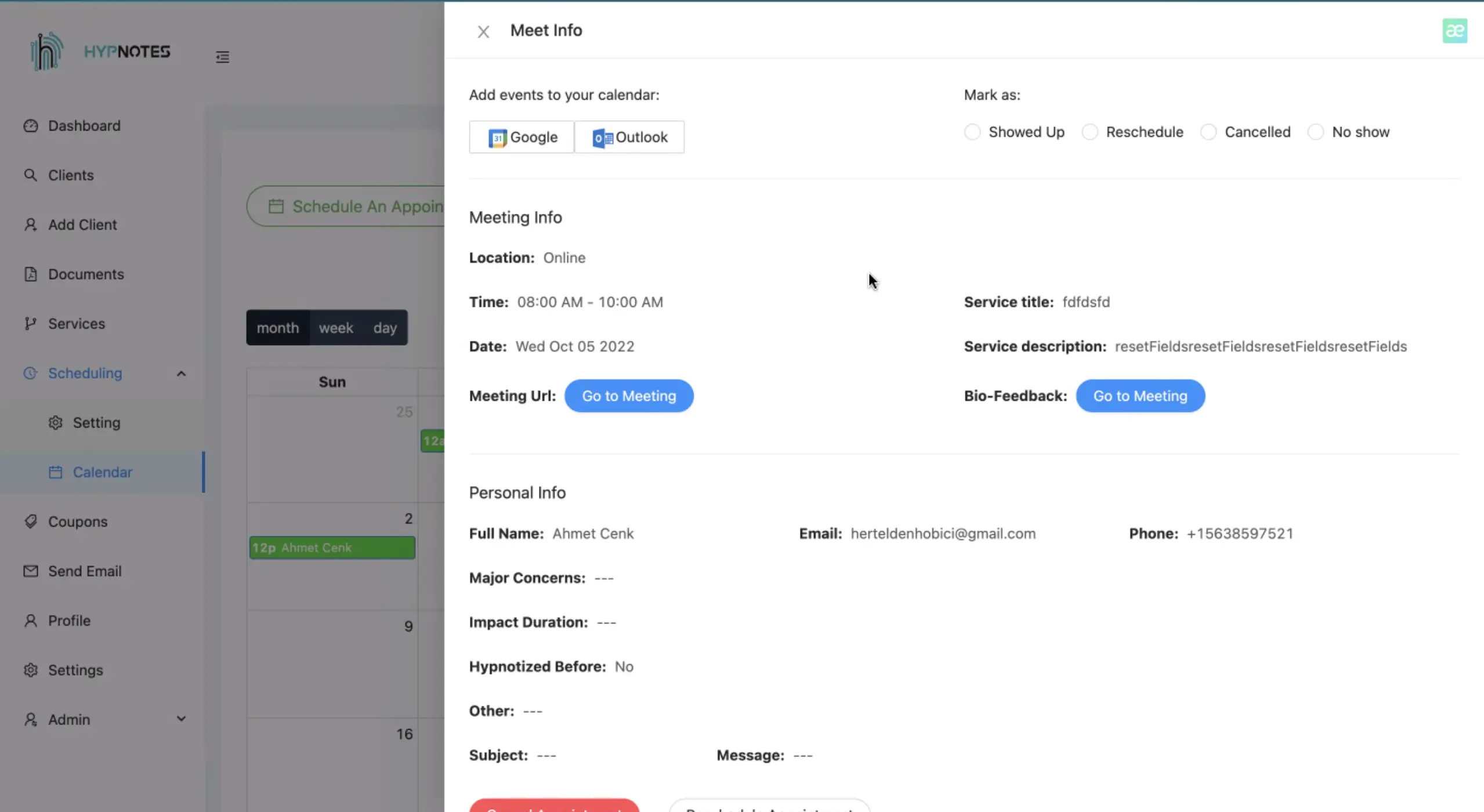
Hypnotes only uses Zoom API to create online meetings.
How to remove?
There are two ways to remove Zoom credentials.
First one you can pick Hypnotes TeleHealth button on settings, integrations page as in the picture above
Or you can directly send a request to:
https://hypnotes.net/api/zoom/disable
If you have any questions, please do not hesitate to contact us.
Contact Us


